turbotax icon
cancel
Showing results for 
Search instead for 
Did you mean: 
Announcements
Close icon
Do you have a TurboTax Online account?

We'll help you get started or pick up where you left off.

Wolf9455
New Member

Tax review glitch

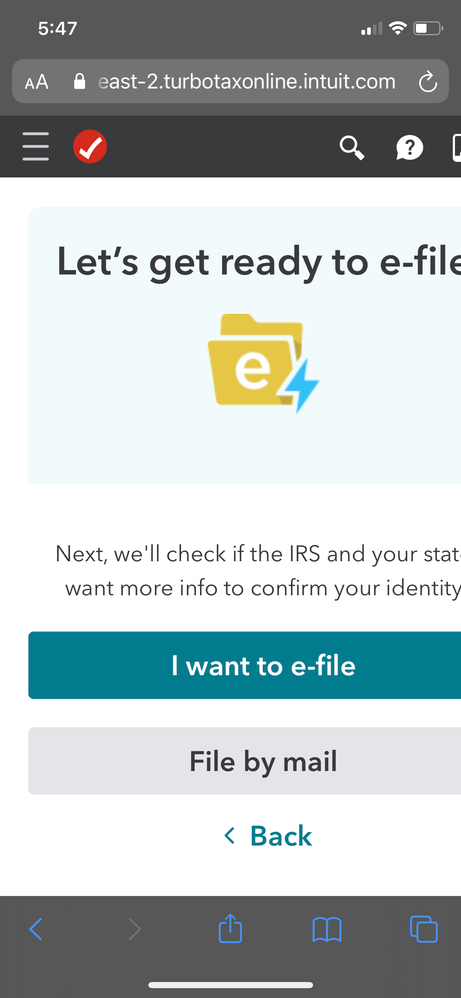
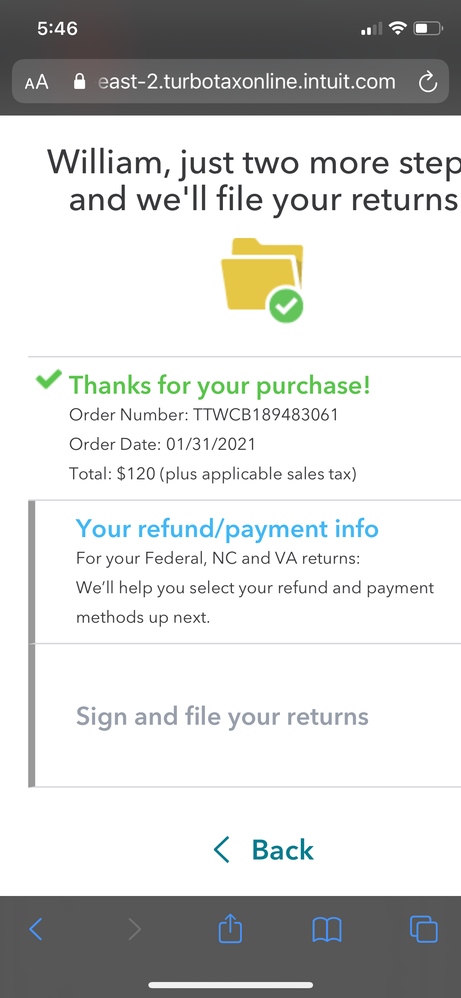
I am stuck in a circular glitch that is saying one of my state returns needs payment info. I enter a choice and proceed to the end. The system reviews and says I’m ready to efile. I press efile and the screen saying I need to fix my state return reappears. I’ve gone back into the return and fixed it that way. I’ve filled both the bubble on the return and the question bubble - nothing works. I have already paid TurboTax for my return and I cannot file


7AABCDA1-2702-49C9-B7F1-6F0055F216C2.png

2100E7DD-587C-4112-97AD-BD42563EFD87.png


x
Do you have an Intuit account?

Do you have an Intuit account?

You'll need to sign in or create an account to connect with an expert.

1 Reply
KatrinaLO
Expert Alumni

Tax review glitch

You may need to clear your browser's cache and delete the cookies stored on your computer. A full or corrupted cache can keep TurboTax from functioning properly.

Please see the below FAQ for instructions on how to clear the cache and delete cookies.  

Clear Cache:  https://ttlc.intuit.com/community/troubleshooting/help/how-to-clear-your-cache/00/26135  

Delete cookies: https://ttlc.intuit.com/community/troubleshooting/help/how-do-i-delete-cookies/00/25978

**Say "Thanks" by clicking the thumb icon in a post
**Mark the post that answers your question by clicking on "Mark as Best Answer"

Unlock tailored help options in your account.

message box icon

Get more help

Ask questions and learn more about your taxes and finances.

Post your Question