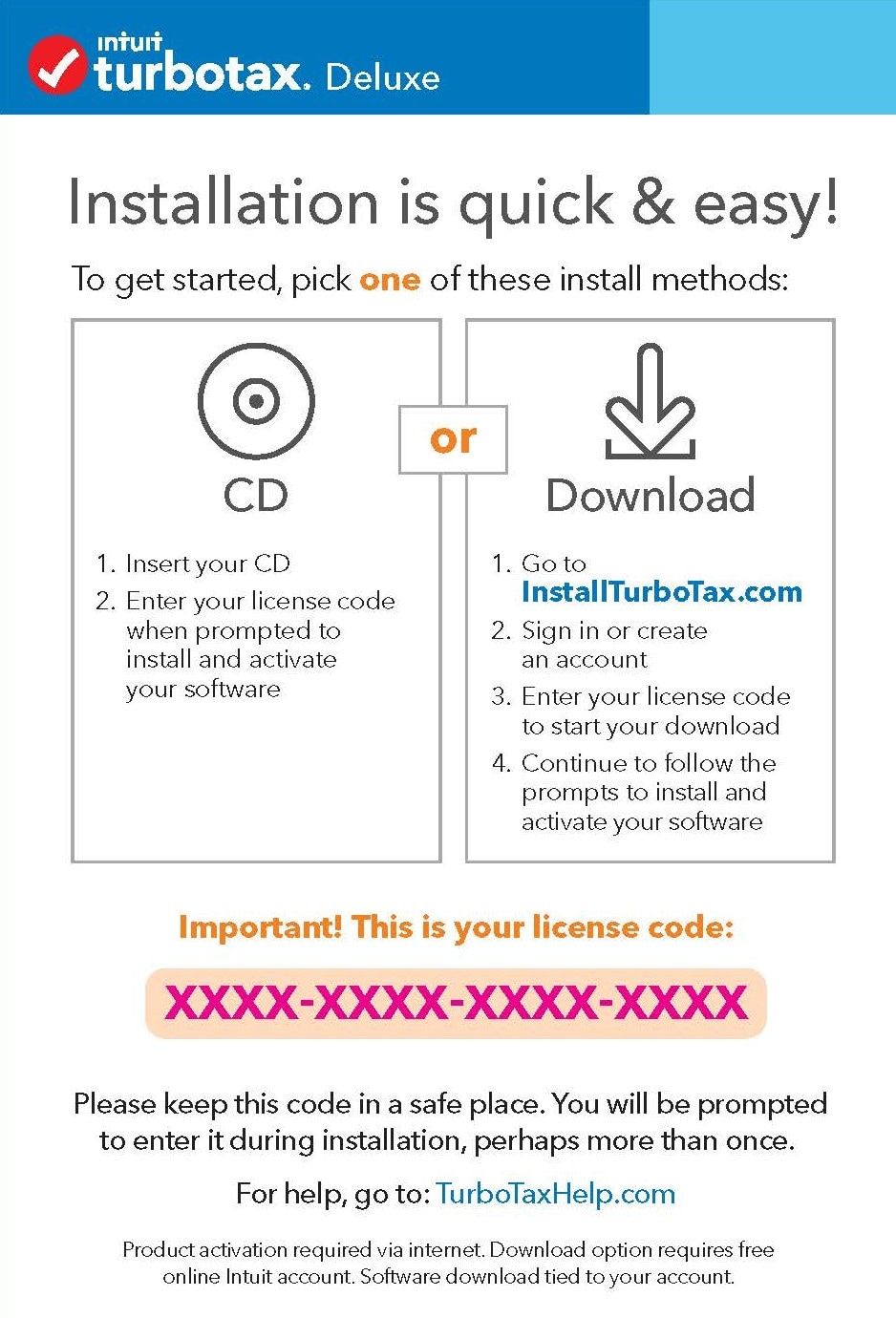
To activate and install your TurboTax CD/Download software, you'll need the license code, a 16-character (or 14-character for 2019 products) combination of letters and numbers (XXXX-XXXX-XXXX-XXXX) that can be found:
- On the CD box insert, envelope, or packing slip; OR
- In the Download confirmation email and/or order history
Insert the CD
Enter the license code in the License code box on the activation screen and select Continue to complete installation.
You’re free to use the same license code to install the software on up to five computers; you'll need to purchase another license if you need more.
If you need help installing, select your computer for more info:
I can’t find my license code
My code doesn't work
**Say "Thanks" by clicking the thumb icon in a post
**Mark the post that answers your question by clicking on "Mark as Best Answer"






