turbotax icon
cancel
Showing results for 
Search instead for 
Did you mean: 
Close icon
Do you have a TurboTax Online account?

We'll help you get started or pick up where you left off.

W2

Hey I need help , I filed my child tax credit and I received the money but the bar haven’t caught up yet the bar under the amount you will receive mines is only half way , I have two W2 forms that I haven’t put in the turbo system yet should I wait to put in my W2 or can I put in the information in the TurboTax system 

x
Do you have an Intuit account?

Do you have an Intuit account?

You'll need to sign in or create an account to connect with an expert.

2 Replies
DianeW777
Expert Alumni

W2

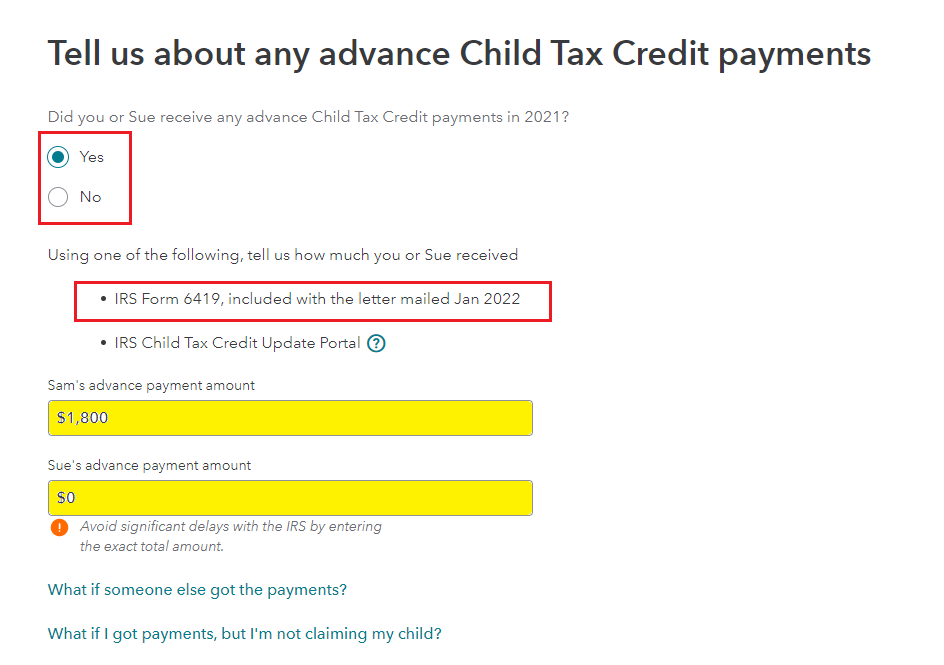
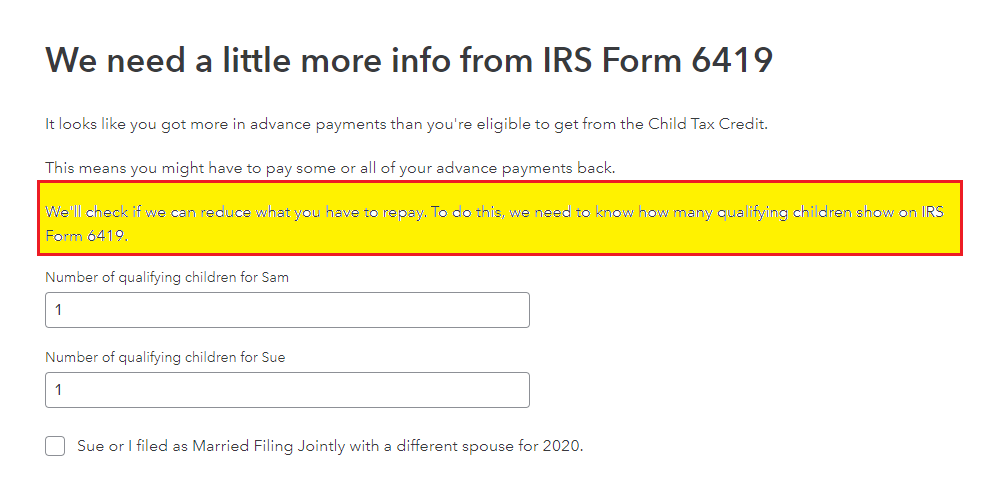
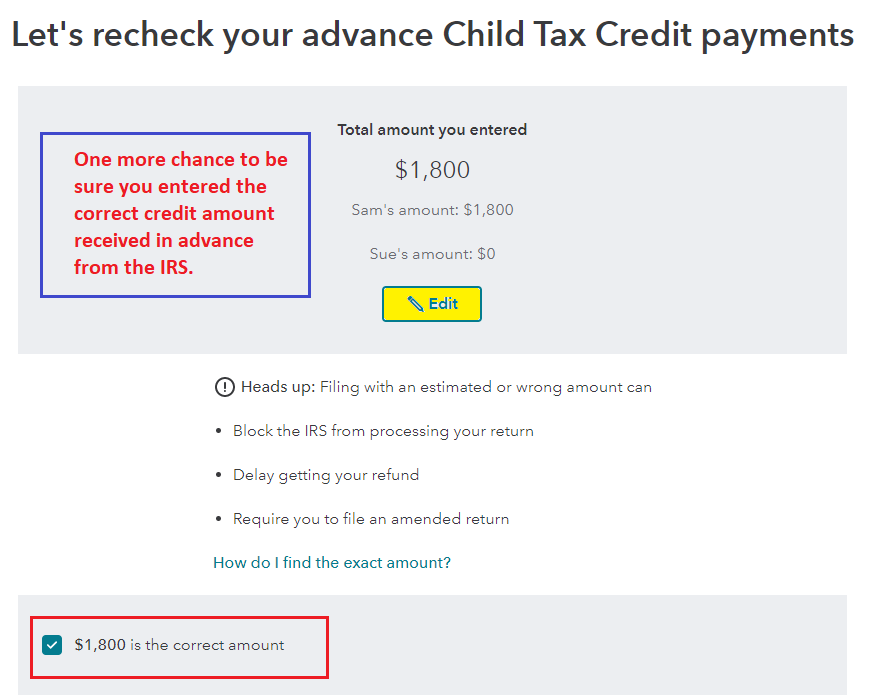
No, do not wait.  Enter all of your W-2 forms into your return. Use the IRS letter 6419, to enter the correct amount of advance child tax credit (ACTC) you received. The child tax credit (CTC) is refundable this year, but it may not show up the way you expect it to once the advance has been calculated in.


The following total amount is what is allowed for each child based on age, and the advance was expected to be no more than half of what would be allowed on the tax return for 2021.

  • $3,600 per qualifying child under 6
  • $3,000 per qualifying child age 6–17

The IRS will know the combined amount and will have a structure in place to identify it.  You can allocate to each of you based on what you would have received for your own children.  It is not yet clear, because they have not had time to post exactly how they want a situation like yours to be handled.


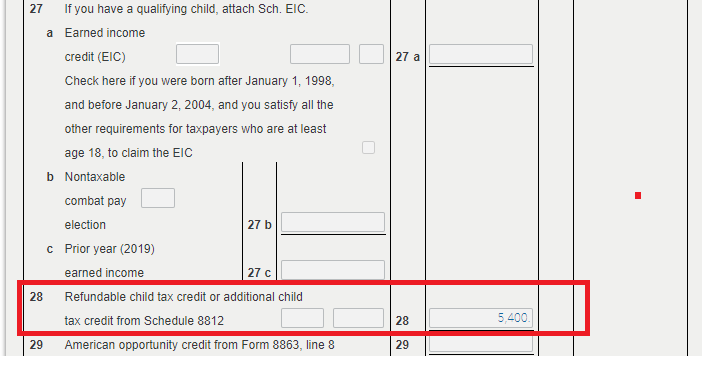
You can Preview My 1040 (TurboTax Online) or Select Forms  (TurboTax CD/Download), for the latter check Form 8812.

For TurboTax Online use the steps below.

  1. Open or continue your return.
  2. With the Tax Tools menu open, you can then:
    • View only your 1040 form: Select Tools. Next, select View Tax Summary in the pop-up, then Preview my 1040 in the left menu.
  3. Scroll to line 28 (see below)

**Say "Thanks" by clicking the thumb icon in a post
**Mark the post that answers your question by clicking on "Mark as Best Answer"

W2

If you have already successfully efiled then you MUST WAIT  for the original return to be fully processed before you can complete the amendment process.  


You cannot change or add anything on the return that you just e-filed, nor can you stop it.  It is too late, just like when you put an envelope in a US mailbox on the corner.


If you left out a W-2, a 1099G, or a dependent, or a 1099 etc…DO NOT change your return while it is “pending.”  The changes will go nowhere.


Now you have to wait until the IRS either rejects or accepts your return.  If your return is rejected, you will be able to go into your account and make the necessary changes to your tax return and re-submit your return. 


 If the IRS accepts your return, however, then you have to wait longer until it has been fully processed and you have received your refund.  THEN you can prepare an amended tax return and mail it in. You have to be able to work from that return exactly the way it was when it was e-filed originally.  You will need to use a form called a 1040X. return.  


  Meanwhile, DO NOT go in and start changing anything on your return in the system, or you will make a mess for yourself.  Sit tight and wait until you see what the IRS does with the return you just e-filed


See this TurboTax support FAQ on amending a tax return originally completed and filed using the 2020 TurboTax online editions - https://ttlc.intuit.com/community/amending/help/how-to-amend-change-or-correct-a-return-you-already-...

 

Unlock tailored help options in your account.

message box icon

Get more help

Ask questions and learn more about your taxes and finances.

Post your Question