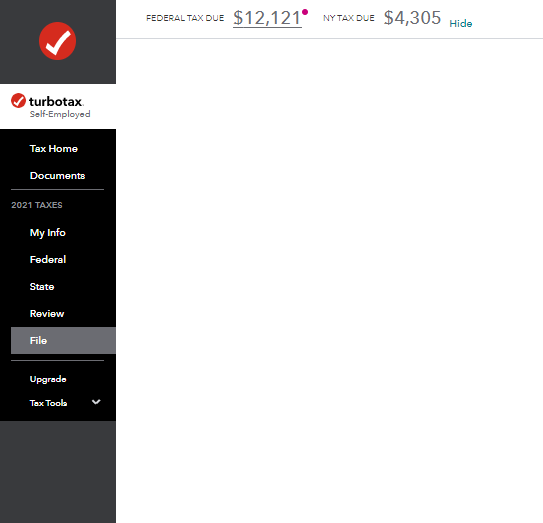
You can preview your return or you can look at the top of the screen.
To preview your return, please follow the instructions below:
- Open your return.
- Click on Tax Tools on the left-hand side.
- Click on Tools.
- Click on View Tax Summary.
- Click on Preview my 1040 on the left-hand side.
- Look at your 1040, page 2, Line 37.
You can also look at the top of your screen. Please see the picture below for additional guidance.

**Say "Thanks" by clicking the thumb icon in a post
**Mark the post that answers your question by clicking on "Mark as Best Answer"