

- Mark as New
- Bookmark
- Subscribe
- Subscribe to RSS Feed
- Permalink
- Report Inappropriate Content
Get your taxes done using TurboTax
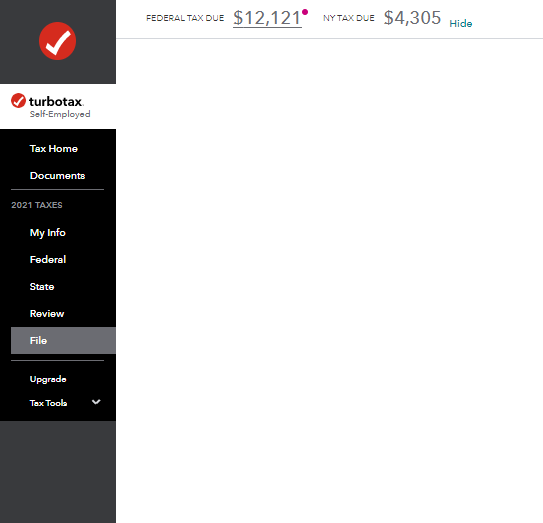
You can preview your return or you can look at the top of the screen.
To preview your return, please follow the instructions below:
- Open your return.
- Click on Tax Tools on the left-hand side.
- Click on Tools.
- Click on View Tax Summary.
- Click on Preview my 1040 on the left-hand side.
- Look at your 1040, page 2, Line 37.
You can also look at the top of your screen. Please see the picture below for additional guidance.
**Say "Thanks" by clicking the thumb icon in a post
**Mark the post that answers your question by clicking on "Mark as Best Answer"
**Mark the post that answers your question by clicking on "Mark as Best Answer"
March 9, 2022
11:18 AM
