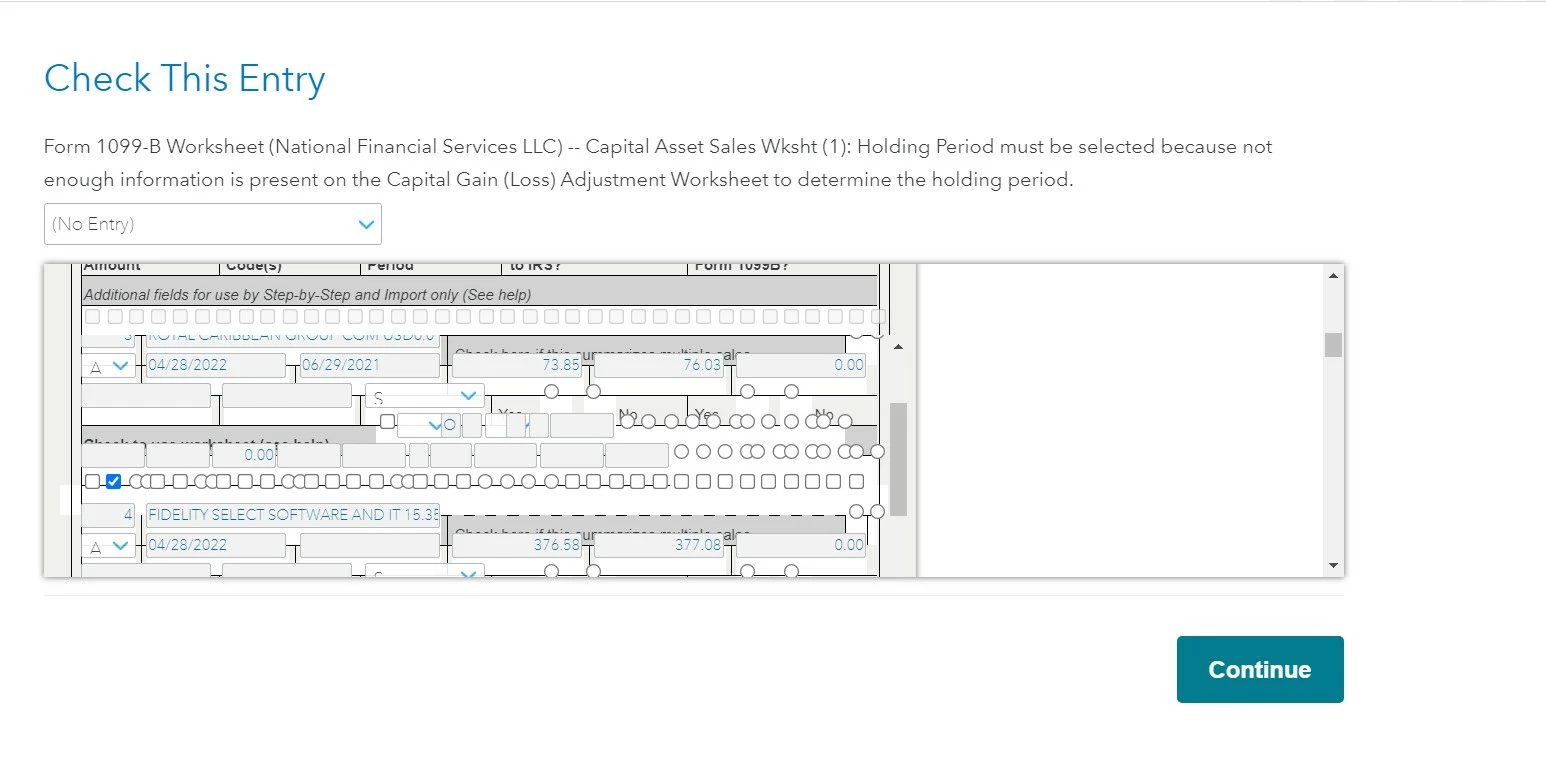
After importing 1099-B from my financial firm, turbotax asks me to "Check This Entry". The screen is garbled and cannot see the contents. Tried both on Chrome and Edge with no difference. Please see screen capture. What should I do?
You'll need to sign in or create an account to connect with an expert.
Try clearing your cache and deleting your cookies and then try again. If this doesn't resolve this experience, please contact Customer Support for assistance.
For information on how to clear your cache, please visit the help article below.
How to clear your cache - Intuit
For information on how to delete your cookies, please visit the help article below.
How do I delete cookies? - Intuit
For information on how to contact Customer Support, please visit the help article below.
How do I contact TurboTax? - Intuit
Try clearing your cache and deleting your cookies and then try again. If this doesn't resolve this experience, please contact Customer Support for assistance.
For information on how to clear your cache, please visit the help article below.
How to clear your cache - Intuit
For information on how to delete your cookies, please visit the help article below.
How do I delete cookies? - Intuit
For information on how to contact Customer Support, please visit the help article below.
How do I contact TurboTax? - Intuit
Thanks!
Problem solved!
Still have questions?
Questions are answered within a few hours on average.
Post a Question*Must create login to post
Ask questions and learn more about your taxes and finances.
rbtnich
Level 2
yatoshura
Level 2
befoundbyme
Level 1
parkerfj
New Member
damckinleysr
New Member