Question
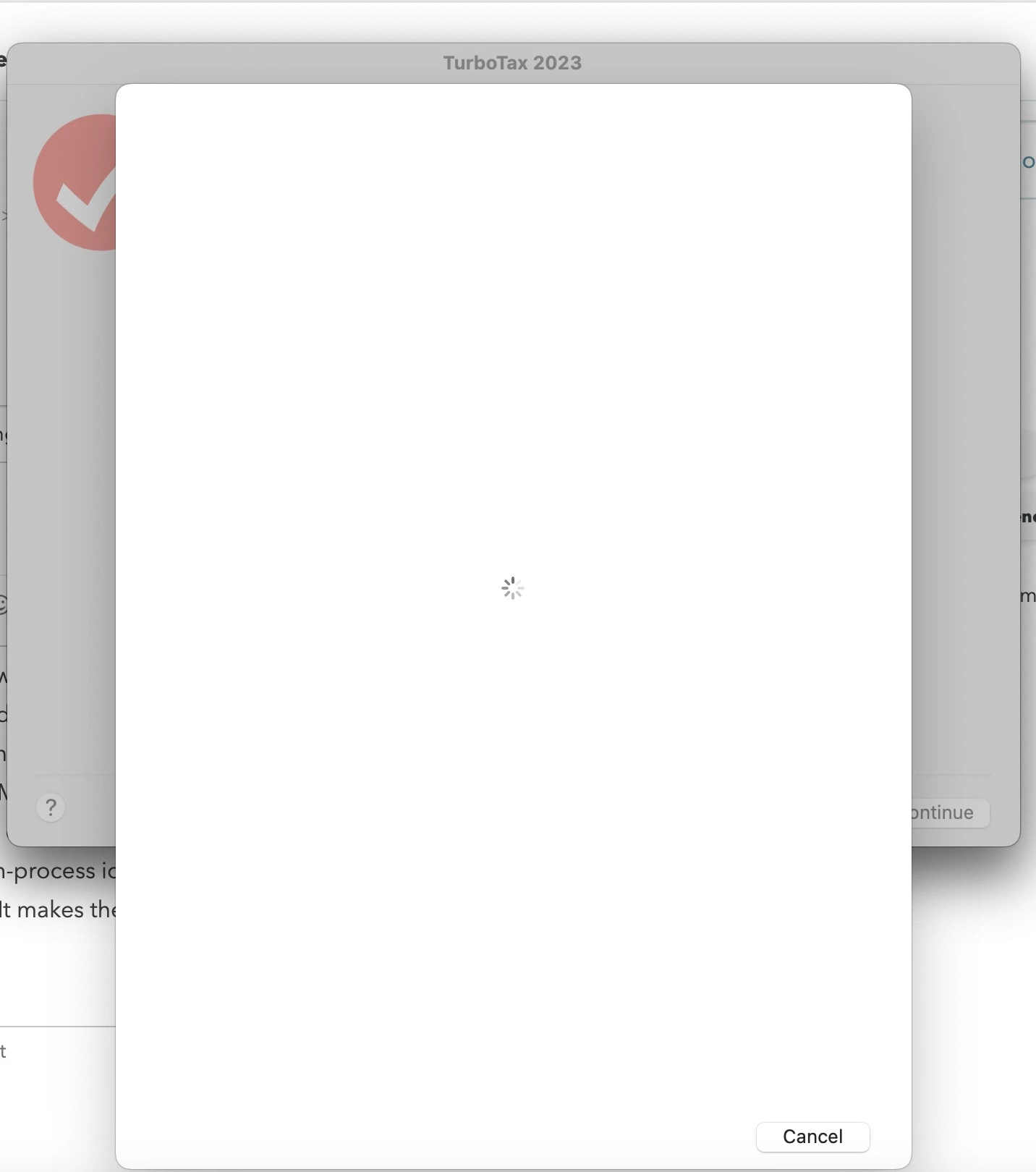
Blank login screen when attempting to install state.
I installed TurboTax 2023 on two computers -- Mac desktop and Mac laptop. I started doing my taxes on the desktop computer, including downloading MN. The tax return file is stored on the cloud. Now, I want to continue to do my return on the laptop (I do not have access to the desktop). When I open TurboTax on the laptop, it says I have to install MN, so I follow the screens to do so. Once I select MN from the list, I get to a screen asking me to sign in or create an account. Then I click the sign-in button, a blank window pops up with a cancel button and a loading in-process icon. Nothing happens after that. It stays that way for hours until I kill the process. How can it be fixed? It makes the TurboTax unusable.