UPDATE: 48 hours later I attempted activation and it worked. It appears, at least in most cases, that the “no internet connection” error was a problem on the TurboTax/Intuit end. Still not acceptable to raise the price and initially receive a product that didn’t work.
——————————————————
(ORIGINAL POST). I guess I'm one of many, many unhappy customers who cannot get past the activation screen on Turbotax. It displays that I dont' have an internet connection which is totally in error. I am using Windows 11. I have great internet. I can surf any sites, google, log on to sites and everything just fine. I can't get Turbotax to recognize the internet connection even with all the firewalls and antivirus turned off. Terribly disappointed and frustrated about this issue as it seems a large number of people are experiencing.
HOW DO I GET PAST THE THE 'NO INTERNET' ISSUE TO ACTIVATE MY PRODUCT??????

You'll need to sign in or create an account to connect with an expert.
Same issue here, this is ridiculous, abviously an Intuit server issue (timeout connecting). They need to fix this ASAP!
I have attempted to complete the installation a number of times. Any idea where I can purchase TurboTax 2024 Premiere? I never had this issue with the CD. . Ohhhhh i miss the simple days
In other threads, folks have found out that there IS a problem with the TTX servers for the activation code.
Some got thru later some haven't....could be spotty until that server is fully fixed....but it is being worked on.
Should be fixed by tomorrow, so wait until then to try again.
Hello! So I’m experiencing that same exact problem. I contacted TurboTax talked with a representative. We literally were on the phone for four hours and my problem was still not handled. They told me that it was an issue with my Apple. Which I’m pretty sure it’s an issue with the TurboTax download. So what did you do to resolve the issue? I’ve literally been dealing with this for over a month.
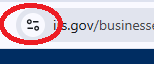
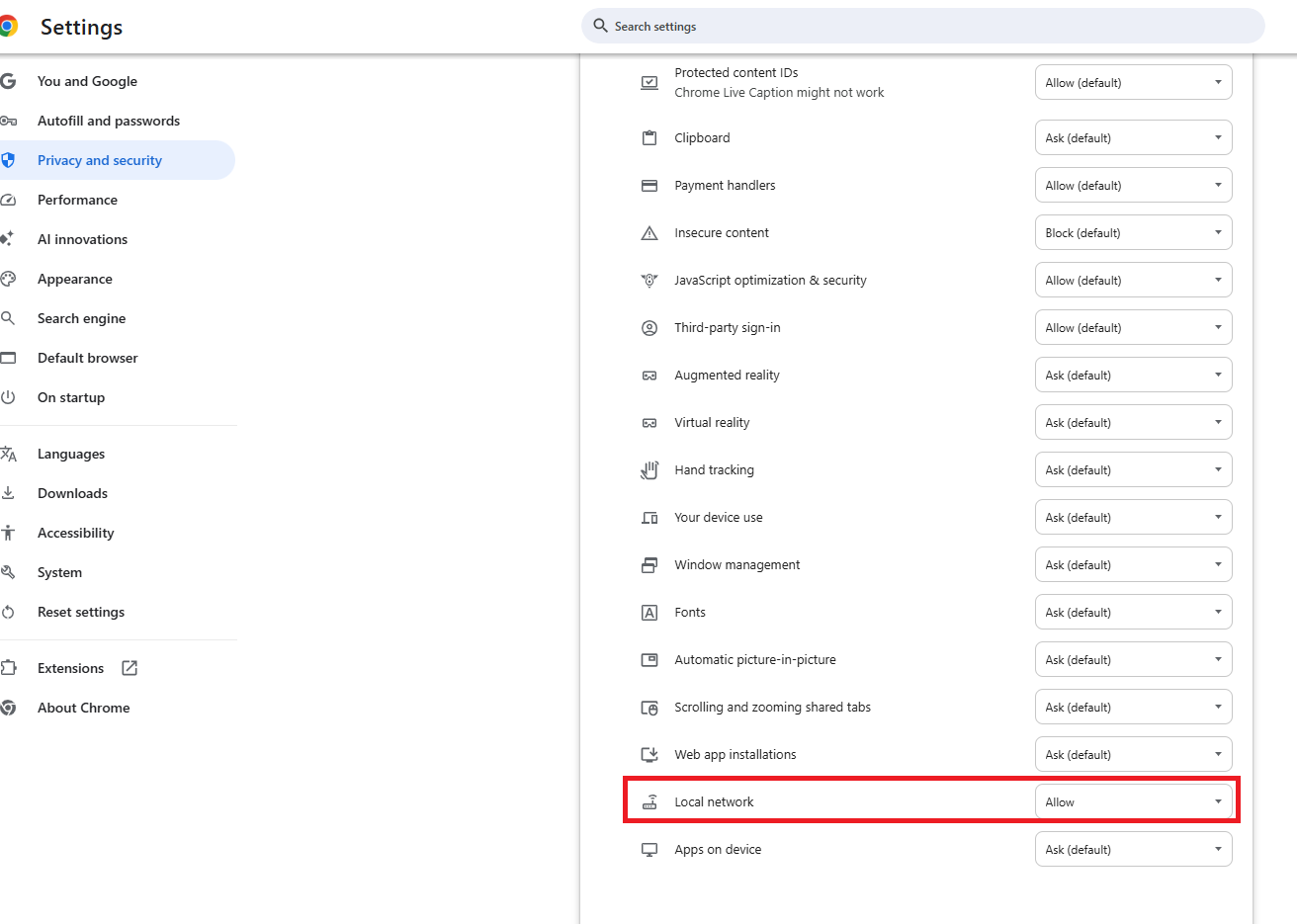
Have you tried deleting the download, disabling your anti-virus programs, then re-downloading? Another thing to try is to clicking on the icon in front of the URL in a browser window (may be a lock or radio wave), then open Settings and choose 'Allow' for Local Area Network.


Still have questions?
Questions are answered within a few hours on average.
Post a Question*Must create login to post
Ask questions and learn more about your taxes and finances.
ericwweaver
New Member
katiecuriel
New Member
Jcgelli
New Member
Scott_A_R
Returning Member
dale_heideman
New Member