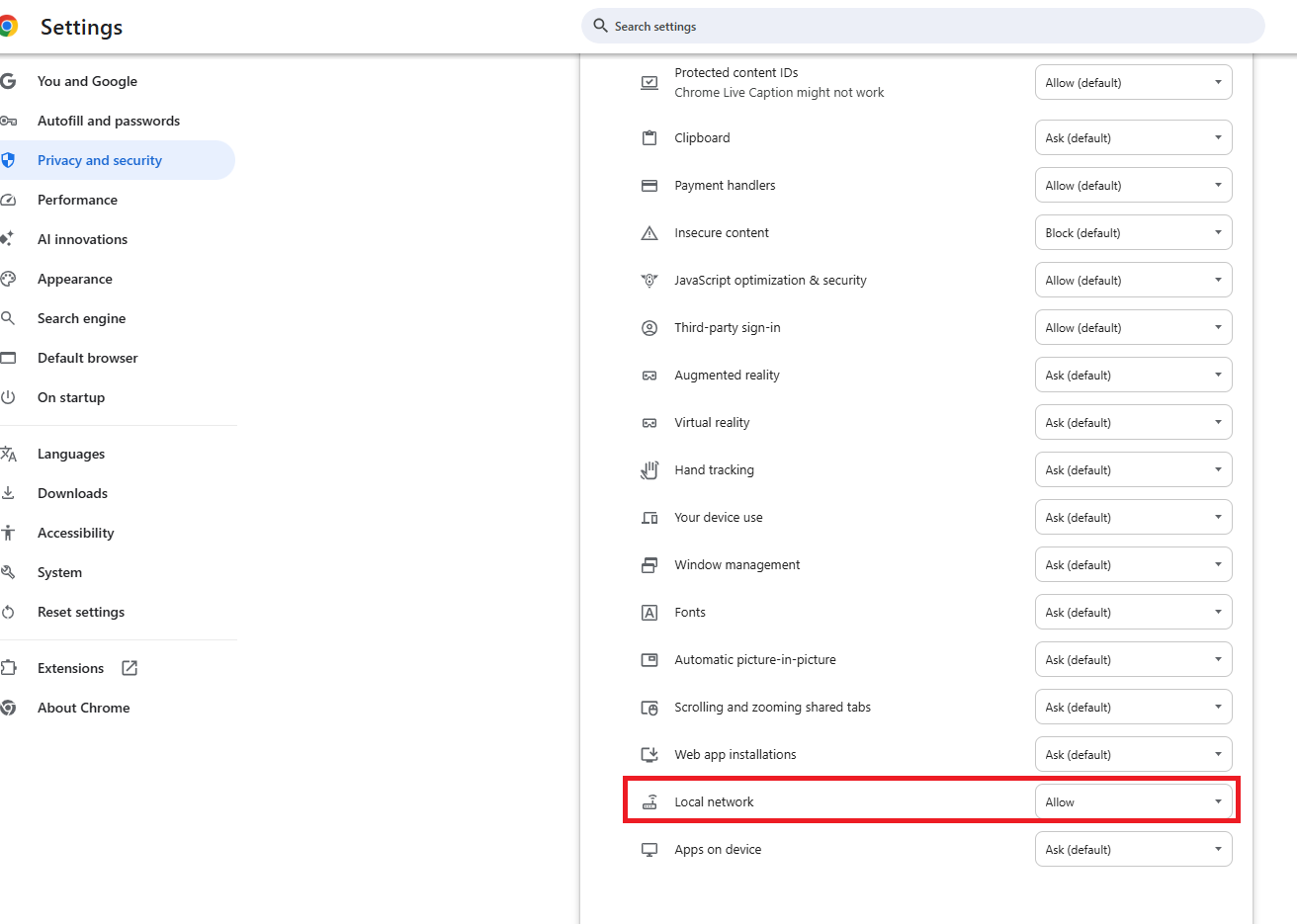
Like Other I have used TurboTax for over 10 years and have always selected Wells Fargo Advisors from the List of Institutions. This year it is not there. So I have tried Wells Fargo as other posts have suggested. I have enabled local area networks as suggested.
After connecting and giving me indications that data is flowing both directions i get what I assume is error /message (378).
Lets head back to your bank to connect one or more accounts
Those transactions will flow into TTWIN on a faster more reliable connection (378)
No "Successful" message
I have selected all of the accounts one time.
Then I changed the setting to only one account
I don't know whether I need to check just tax Documents or also Profile and/or statements.
This is TOTALLY confusing. Last year it was one click, and ID and PW and I was finished. Now I have no Idea what is expected. Like other I've selected TurboTax to keep from manually entering all of my Brokerage transactions. So What is the problem and how can I get it fixed... BTW Wells Fargo Advisors has on their web site that TurboTax data was mad available between Feb 13-17, 2026.
Please find a solution that works.