

- Mark as New
- Bookmark
- Subscribe
- Subscribe to RSS Feed
- Permalink
- Report Inappropriate Content
Get your taxes done using TurboTax
How to Fix Import Issues (Error 378):
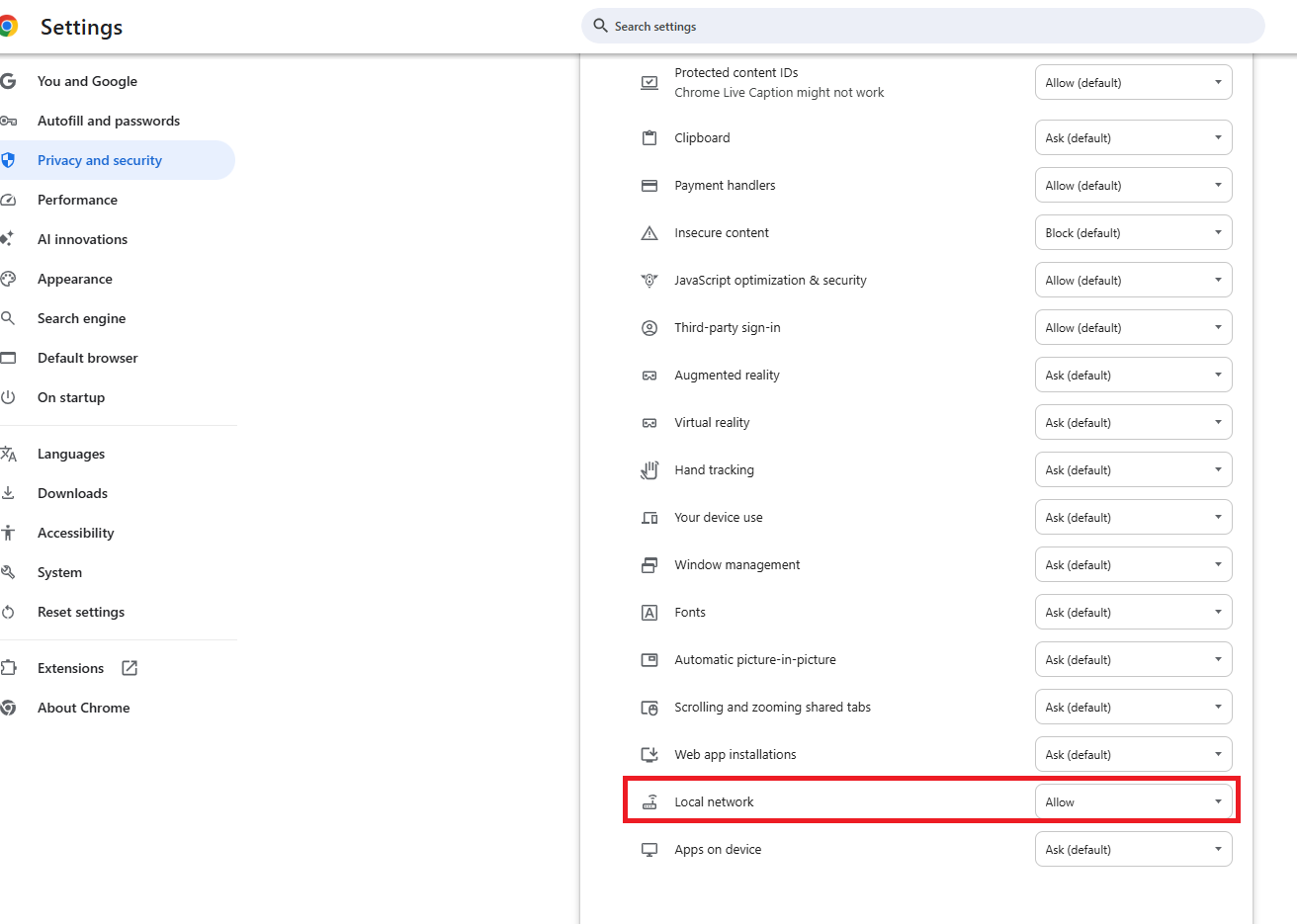
If you are receiving this message but your transactions are not appearing, it is likely due to browser security updates or blocked Local Network Access. Try the following solutions:
- Enable Local Network Access: Click the "Lock" or "Tune" icon in your browser's address bar, look for Local Network Access, and toggle it to ON.
- Refresh and Retry: After changing the setting, refresh the page and try the import again.
- Use a Different Browser: If Chrome is not working, try Firefox or Safari.
- Ensure Only One Window is Open: Make sure only one TurboTax instance is active and that you are not switching between Wi-Fi networks
Prior to 'import' options being made available, your tax return only needed to contain Category Summary Totals. Remember the IRS already has copies of all your 1099's.

**Say "Thanks" by clicking the thumb icon in a post
**Mark the post that answers your question by clicking on "Mark as Best Answer"
**Mark the post that answers your question by clicking on "Mark as Best Answer"
yesterday
