You will do this in the state interview section of TurboTax.
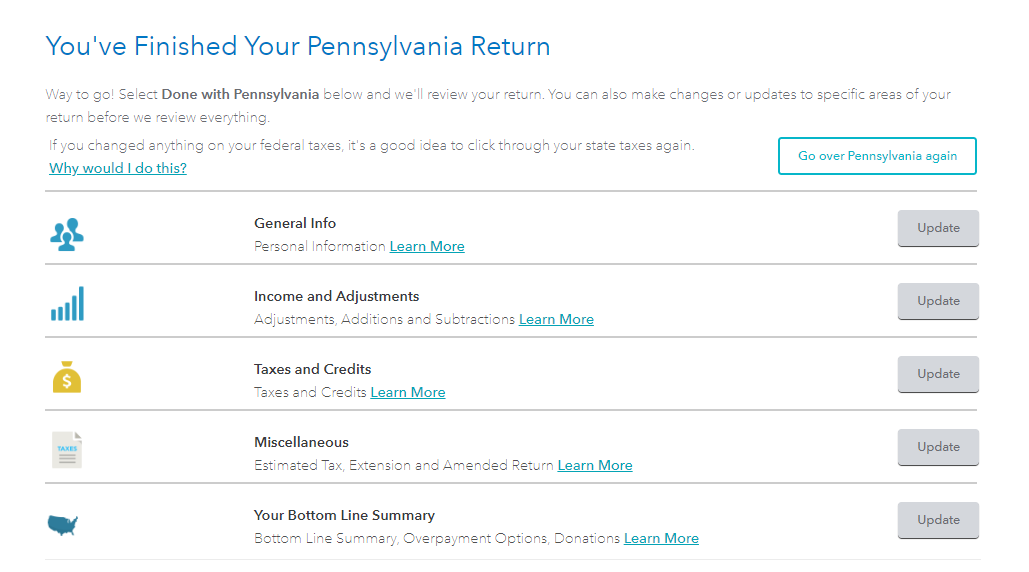
When you go into the state interview input section for PA, you will see the following screen. Select Your Bottom Line Summary. This is the area where you can apply your 2019 overpayment to your 2020 tax return.

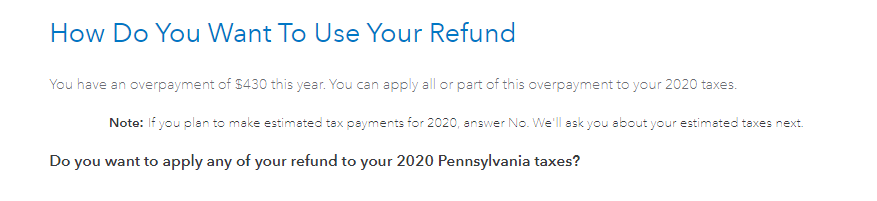
If you do not see this screen, proceed through the questions and answer as applicable. You will come to the following screen asking you if you want to apply your refund to 2020. Select yes and enter the amount to apply on the next screen.

**Say "Thanks" by clicking the thumb icon in a post
**Mark the post that answers your question by clicking on "Mark as Best Answer"