Level 1
April 11, 2023
Solved

Spouses working in different state

  • April 11, 2023
  • 1 reply
  • 15 views

My spouse works in NY and I work in CT. We both live in CT. It seems like we keep getting taxed in NY on all our household income as NY even though I complete the allocation with 100% Spouse in NY and 100% my income in CT. I completed the allocation section. IM not sure why its taxing on the total income as if it's in NY. 

    Best answer by MarilynG

    Yes, it can look like New York is taxing all your income, but that is not the case.


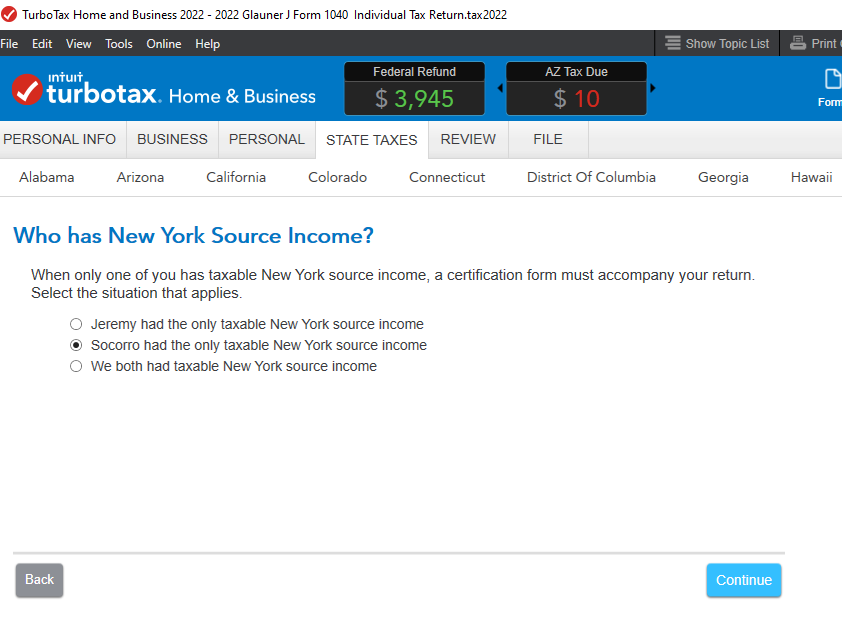
    There is a screen in the New York Non-Resident Interview where you can indicate that the NY income belongs to your Spouse.


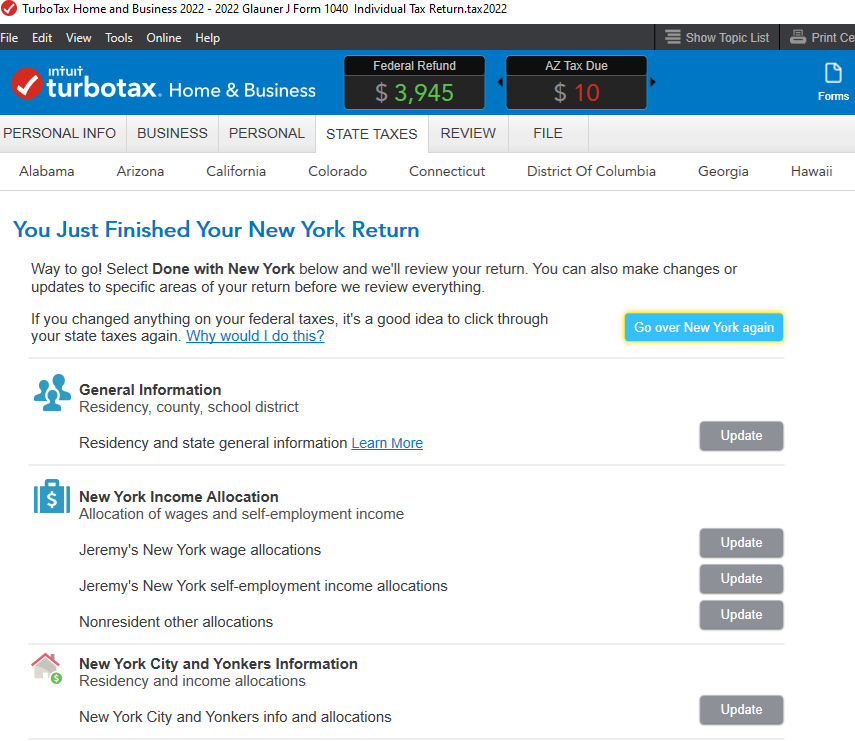
    On the Review Topics screen, select your non-NY Wages, then Edit your W-2, and indicate 'do not allocate'.  Repeat for any other income not allocated to NY.


    If you're using TurboTax Desktop, you can also enter 0's manually on the Allocation Worksheet. 


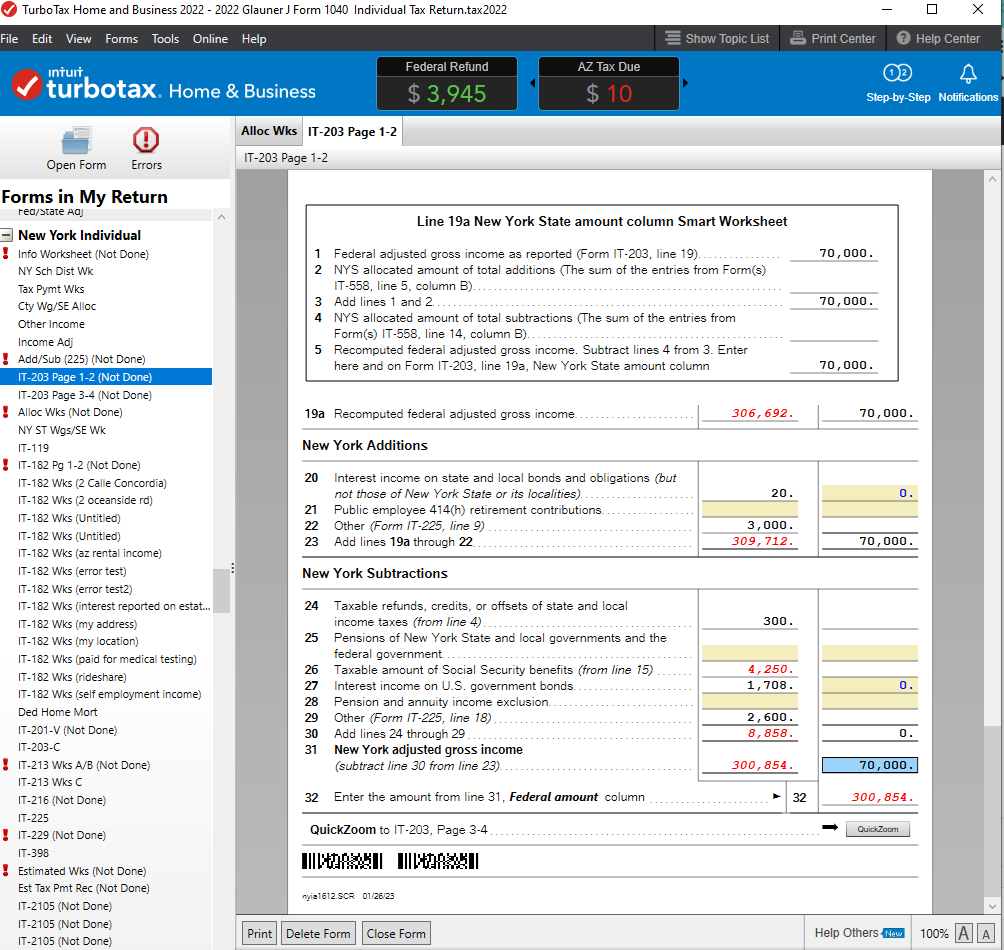
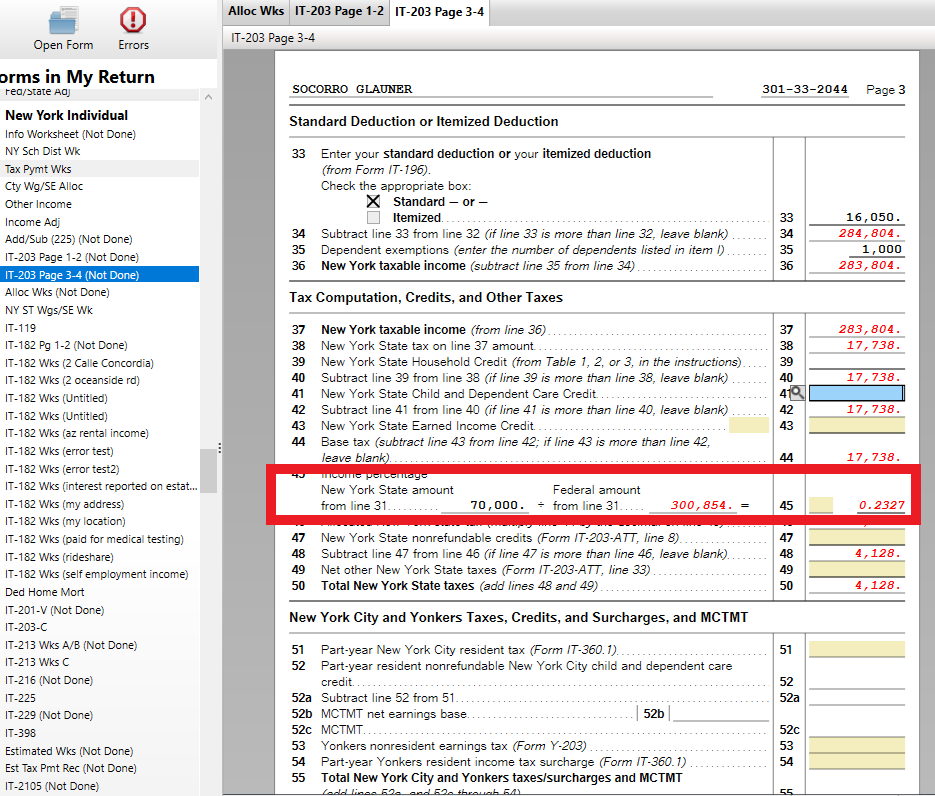
    Your Form IT-203 should end up with only your spouse's income showing as NY AGI on Line 31.  Then on Line 45, a factor is applied to NY AGI/Total AGI to calculate the NY tax.


    @shaney299 


    1 reply

    MarilynG
    MarilynGAnswer
    Level 15
    April 11, 2023

    Yes, it can look like New York is taxing all your income, but that is not the case.


    There is a screen in the New York Non-Resident Interview where you can indicate that the NY income belongs to your Spouse.


    On the Review Topics screen, select your non-NY Wages, then Edit your W-2, and indicate 'do not allocate'.  Repeat for any other income not allocated to NY.


    If you're using TurboTax Desktop, you can also enter 0's manually on the Allocation Worksheet. 


    Your Form IT-203 should end up with only your spouse's income showing as NY AGI on Line 31.  Then on Line 45, a factor is applied to NY AGI/Total AGI to calculate the NY tax.


    @shaney299 


    **Say "Thanks" by clicking the thumb icon in a post. **Mark the post that answers your question by clicking on "Mark as Best Answer"