Level 1
January 11, 2026
Question

KW-2 unable to make 9 numbers

  • January 11, 2026
  • 2 replies
  • 644 views

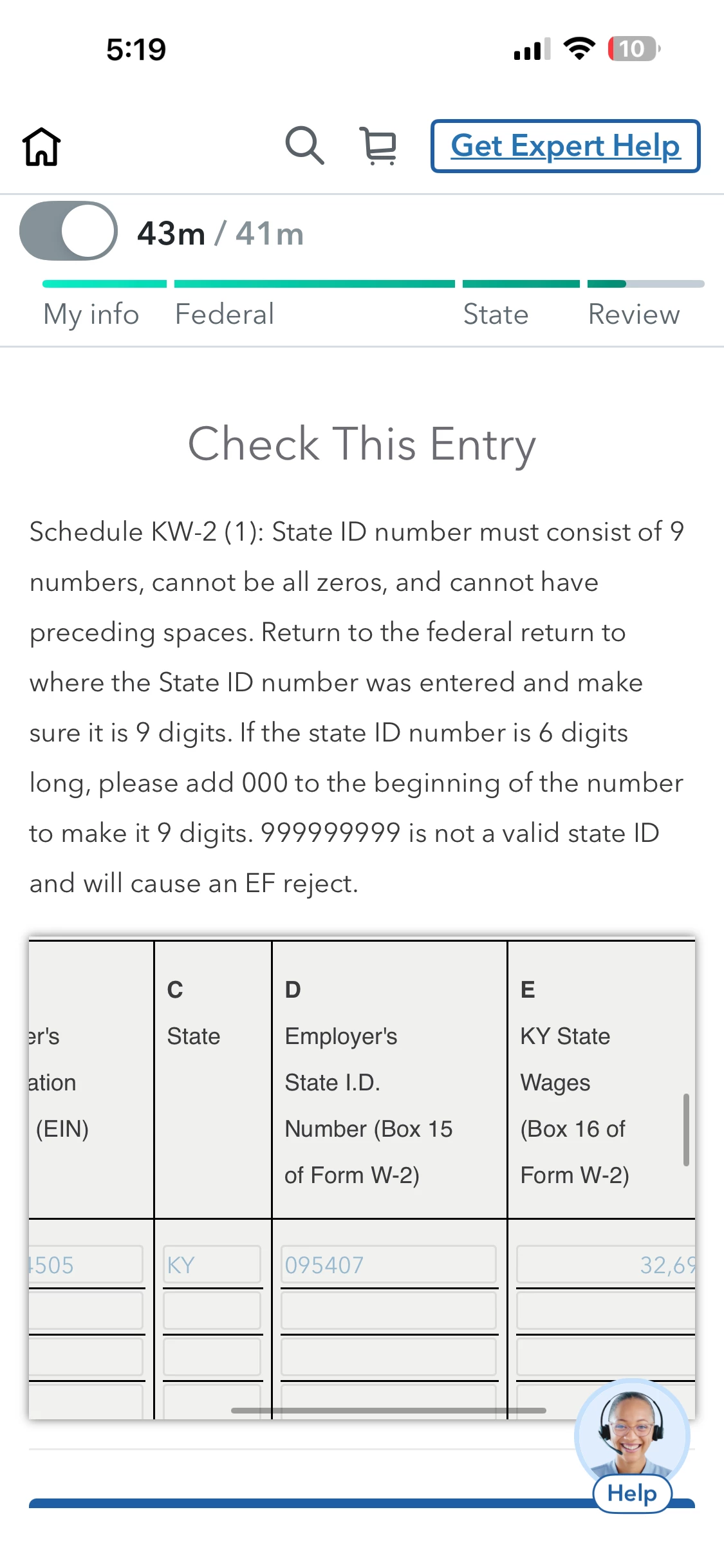
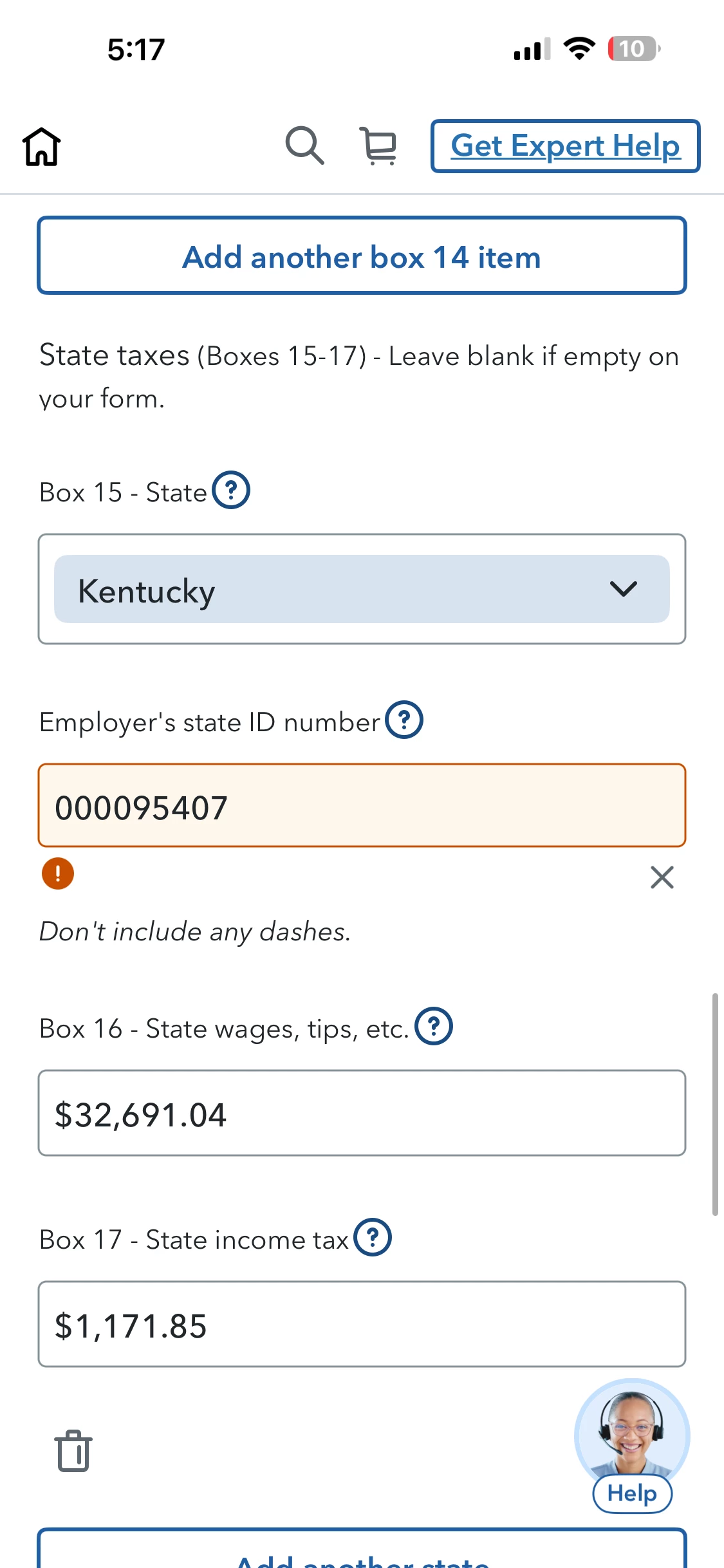
I’m trying to change my Employer state ID from 6 numbers to 9 numbers like it says I need to by adding three 0 in front. It will not allow me to do that. It says “

Schedule KW-2 (1): State ID number must consist of 9 numbers, cannot be all zeros, and cannot have preceding spaces. Return to the federal return to where the State ID number was entered and make sure it is 9 digits. If the state ID number is 6 digits long, please add 000 to the beginning of the number to make it 9 digits.”


Why am I unable to change it and what am I supposed to do when it continues saying I need 9 numbers. 
 

    2 replies

    SteamTrain
    Level 15
    January 17, 2026

    @Kassandre 


    You should call Customer Support, so they can issue a repair ticket, and tell the programmers what the problem is.


    How do I contact TurboTax?

    ____________*Answers are correct to the best of my knowledge when posted, but should not be considered to be legal or official tax advice.*
    RogerD1
    Alumni - Intuit
    January 26, 2026

    @user17681719336 The issue with being unable to enter 9 digits for the Kentucky Employer ID on the W-2 screen has been resolved.  Feel free to go back and re-enter the employer ID with the three leading zeros and you should be good to go.

    **Say "Thanks" by clicking the thumb icon in a post. **Mark the post that answers your question by clicking on "Mark as Best Answer"