
Level 2
February 4, 2023
Question

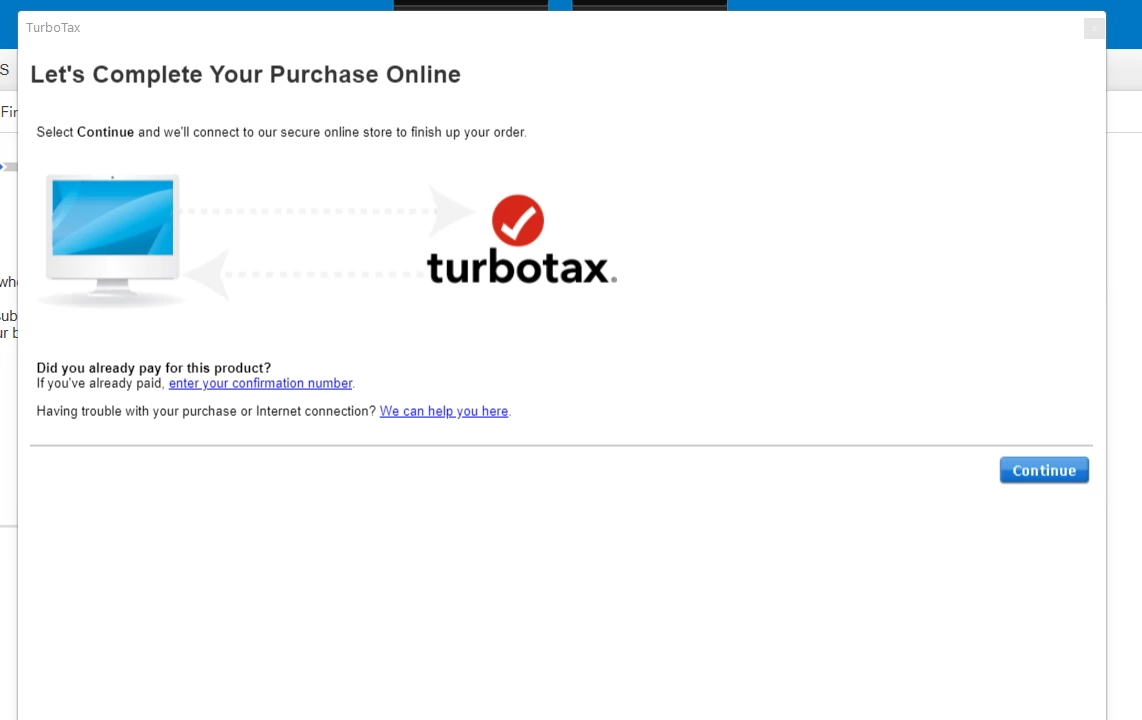
"Charge my credit card" pop-up not working - Desktop version of Turbotax Deluxe

  • February 4, 2023
  • 4 replies
  • 6 views

The "Charge my credit card" pop-up is not working when I go to pay for charges when filing on my Desktop version of Turbotax deluxe. All of the links are dead and it will not take me where it says.


4 replies

Level 15
February 5, 2023

If you are having trouble paying for the product, please give us a call here and we can better assist you. 

**Say "Thanks" by clicking the thumb icon in a post. **Mark the post that answers your question by clicking on "Mark as Best Answer"
Level 2
February 6, 2023

I called and the staff knows nothing about this. Just fix the software so I can e-file. This is complete garbage. 

Level 15
February 6, 2023

Have you checked your software to make sure it is up to date?

How do I update my TurboTax CD/Download software program?

@sfanelli88 

**Say "Thanks" by clicking the thumb icon in a post. **Mark the post that answers your question by clicking on "Mark as Best Answer"
gareth804Author
Level 2
February 6, 2023

yes, it is updated. Customer service yesterday: "try tomorrow"

gareth804Author
Level 2
February 7, 2023

I found a way to make it load, sort of.. If I click the "charge my credit card window" link then close my computer and open it again, it loads. I did that for every section of that payment pop-up window process and managed to make it through.  @Cara 

Level 2
February 7, 2023

Thank you for this information. It worked for me.  But what a PITA!  I must have opened and closed my computer at least a dozen times to finish my payment and be able to file my returns. That meant logging in at least a dozen times. But it's done and I appreciate you sharing your "fix".

Level 2
February 14, 2024

Disable your main internet browsers pop up blocker before getting to the payment page. Mine is chrome, as soon as I disabled it the payment page works fine.




