I concur the suggested solutions do not work. I also see this has been tagged as solved - IT IS NOT!
The only confirmed solutions are to use a CC with a low month expiration number, or to pay $40 to Intuit to take the charge out of the tax refund.
PAYMENT API SOLUTION FROM MY TESTING WITH INSTALL OF THE SUPERPATCH
To let you all know, spoke with a senior supervisior who looked into the development phases of TurboTax and identified that the current software should have a patch for the problems of entering months 9-12 into the PAYMENT API. So in order to test I cleared cache restarted the cmputer, restarted chrome and downloaded https://patchdelivery.turbotax.intuit.com/w_perrelsuperpatchIS_ttax_2025.exe , and lastly found the file in the downloads directory and double clicked for installation.
- I added a state of Idaho with business income in schedule C (to add a new state to test).
- Once that new schedule C was complete (simply for testing purposes) I forced calculation of the ID state in order that the payment API gets executed and prepared the system for printing the new state return.
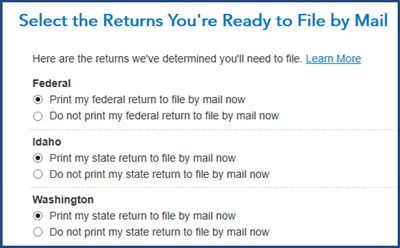
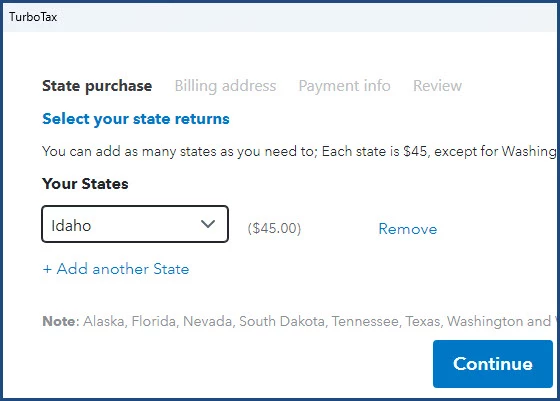
NEW/UPDATED PAYMENT API screen shots
They increased the screen real estate to enable full clickable choices
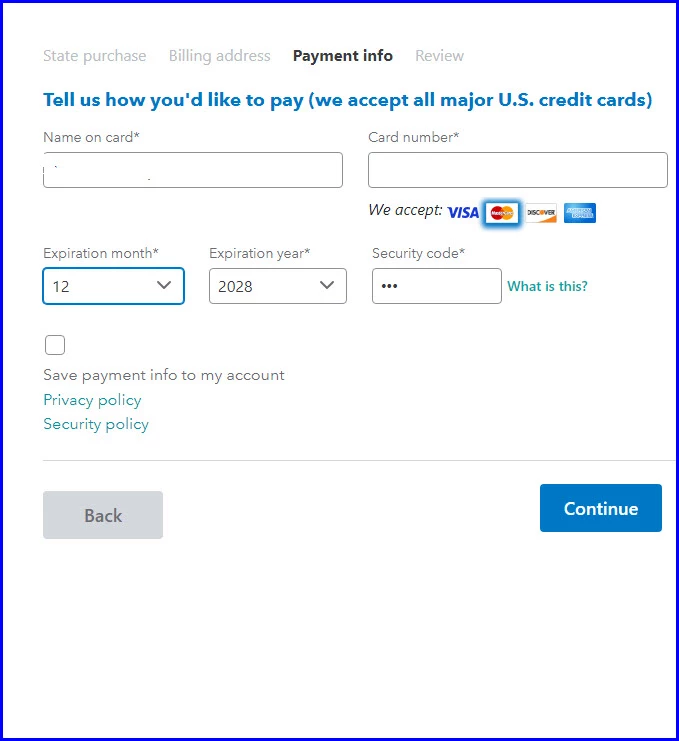
New Month popup showing all months
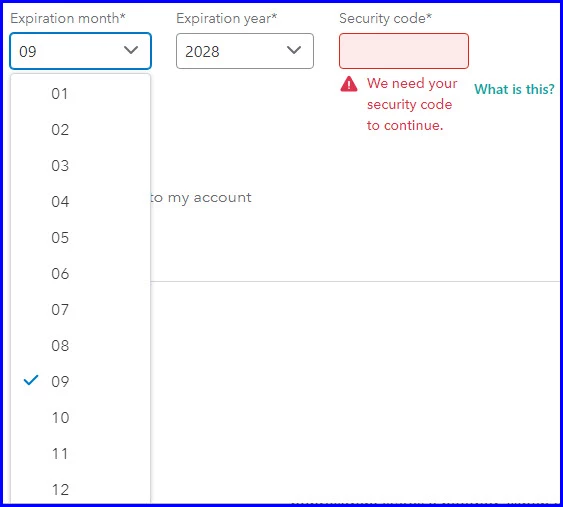
Here's what you have to do to fix the PAYMENT API problem...
update your TurboTax to the recent Superpatch as listed below.....
Turbotax will not automatically update the payment api as a software update from what I see, must be done this way to get the full patching.
Manually Update TurboTax for Windows Software
If you're having trouble automatically updating TurboTax 2025 for Windows, you can manually update it by following these steps:
Open the file w_perrelsuperpatch... and install the manual update.










