turbotax icon
cancel
Showing results for 
Search instead for 
Did you mean: 
Close icon
Do you have a TurboTax Online account?

We'll help you get started or pick up where you left off.

Schedule C inventory section

So this is my first year doing taxes for my small business and on the Schedule C inventory section I keep adding all of the numbers and info that I need to, but once I finish the section it keeps saying “Not Started” instead of showing the total number like the other sections do. I don’t know what I’m doing wrong, I have made sure that the entire Inventory section is completely filled out every time and I even tried refreshing the page and logging out, but the “Not Started” thing won’t go away.

x
Do you have an Intuit account?

Do you have an Intuit account?

You'll need to sign in or create an account to connect with an expert.

4 Replies
MichelleLO
Expert Alumni

Schedule C inventory section

Which version of TurboTax are you using TurboTax Online or TurboTax CD/Download?

**Say "Thanks" by clicking the thumb icon in a post
**Mark the post that answers your question by clicking on "Mark as Best Answer"

Schedule C inventory section

I’m using the online version 

Schedule C inventory section

Delete your original inventory input. That's always the best way to go first.

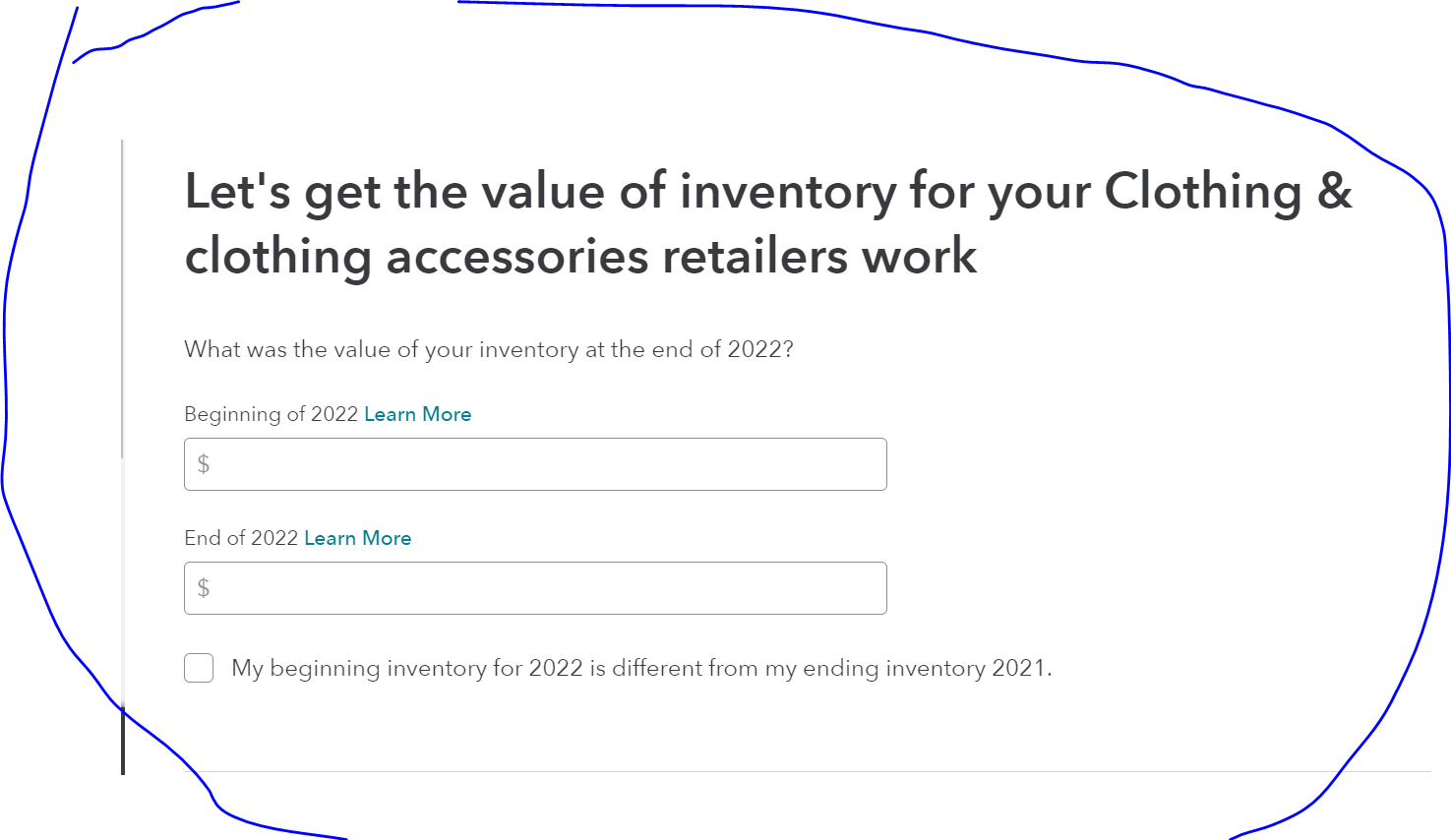
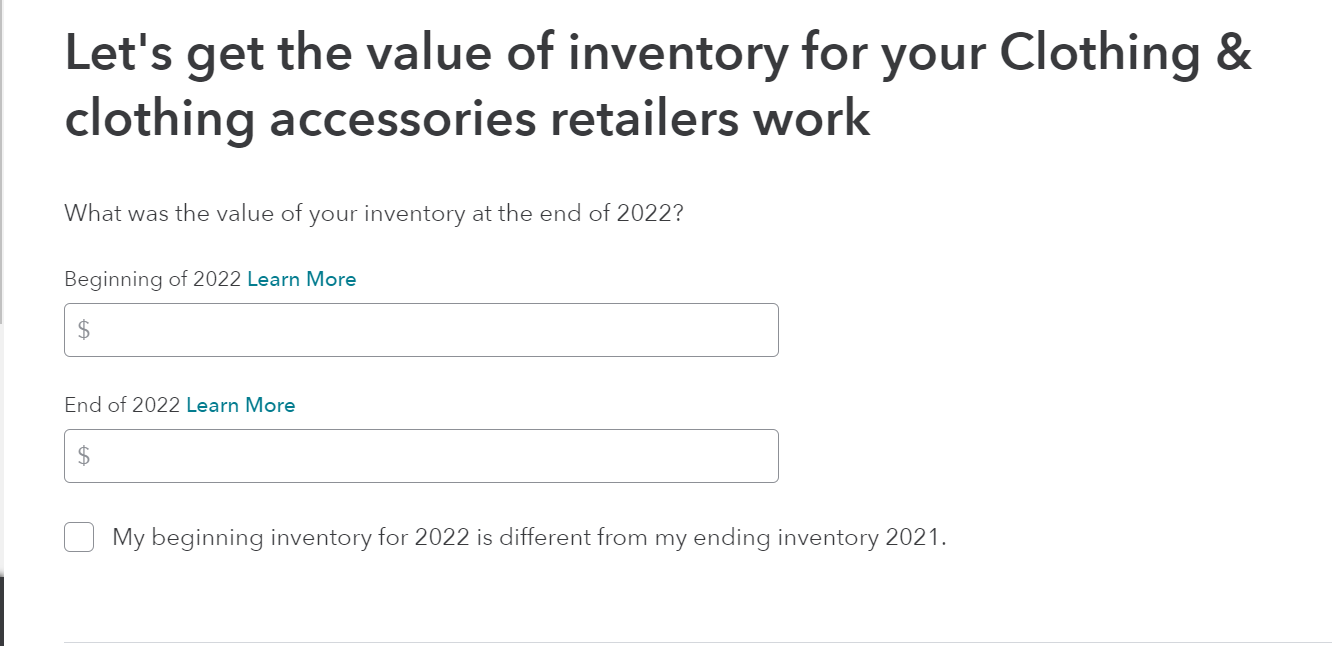
Then, after you selected Inventory to report in the Less Common Expenses section, you hit continue continue till you hit this screen


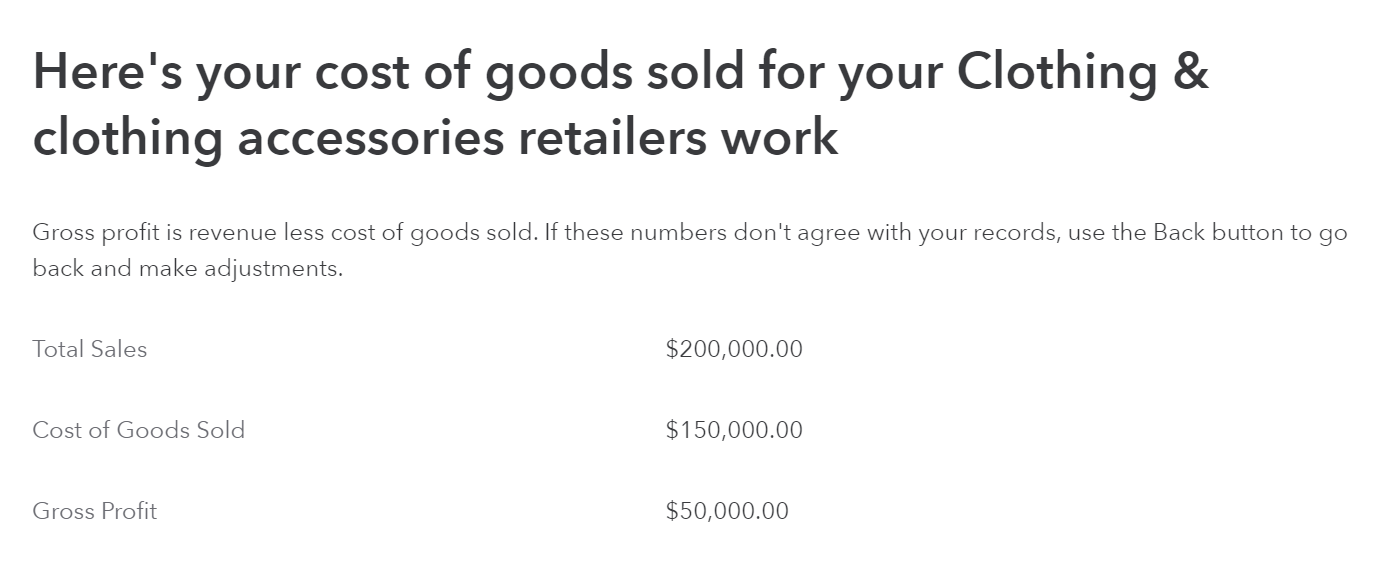
Then finally, here. It worked for me. Good luck!

**Say "Thanks" by clicking the thumb icon in a post
**Mark the post that answers your question by clicking on "Mark as Best Answer"

Schedule C inventory section

Thanks! I’ll try that

Unlock tailored help options in your account.

message box icon

Get more help

Ask questions and learn more about your taxes and finances.

Post your Question