turbotax icon
cancel
Showing results for 
Search instead for 
Did you mean: 
Announcements
Close icon
Do you have a TurboTax Online account?

We'll help you get started or pick up where you left off.

Coxc22
New Member

Uber eat+turbo tax

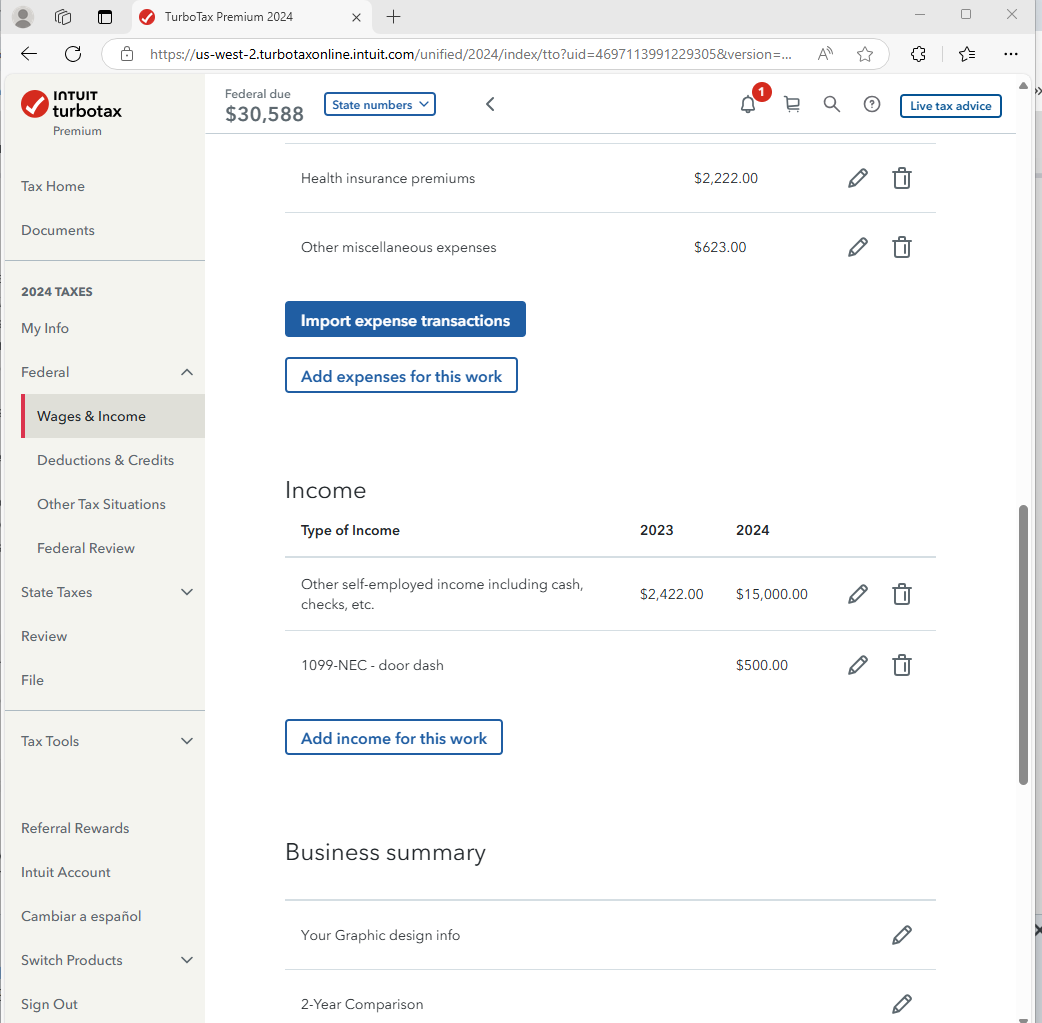
I’m inputting my 1099 for DoorDash.  But the system won’t let me move forward.  It’s got me stopped on a screen that say import uber eats or skip.  When I click skip it just brings me back to the same page. I cannot get past the screen attached in photo.

IMG_9130.png


x
Do you have an Intuit account?

Do you have an Intuit account?

You'll need to sign in or create an account to connect with an expert.

1 Reply
MarilynG1
Employee Tax Expert

Uber eat+turbo tax

If you're using TurboTax Online, close the program, clear your Cache and Cookies, reopen TurboTax and go to a different section.  As long as you were successful in adding your Door Dash 1099, you should be fine.  


If you haven't yet added your 1099, go to Wages & Income > Self Employment Income.  Choose the pencil icon to Edit your Business, and on the next page, choose Add Income for This Work. 


There is currently an Investigation pending for Looping After Skipping Uber Eats Import. 


**Say "Thanks" by clicking the thumb icon in a post
**Mark the post that answers your question by clicking on "Mark as Best Answer"

Unlock tailored help options in your account.

message box icon

Get more help

Ask questions and learn more about your taxes and finances.

Post your Question