

- Mark as New
- Bookmark
- Subscribe
- Subscribe to RSS Feed
- Permalink
- Report Inappropriate Content
Get your taxes done using TurboTax
If you are all in the same policy, you should only enter your Form 1095-A once, first verify your entries and verify that you only have one Form 1095-A entered. If you only have one Form 1095-A entered and you are still getting issues with the Marketplace number, delete the form and enter it again.
To do this:
- Open or continue your return.
- Navigate to the 1095-A section:
- TurboTax Online/Mobile: Go to 1095-A.
- TurboTax Desktop: Search for 1095-a, then select the Jump to link.
- Select Add/Edit
- Click the Delete next to the 1095-A form you entered, confirm that you are deleting the form
- Select Add Another and re-enter your 1095-A information
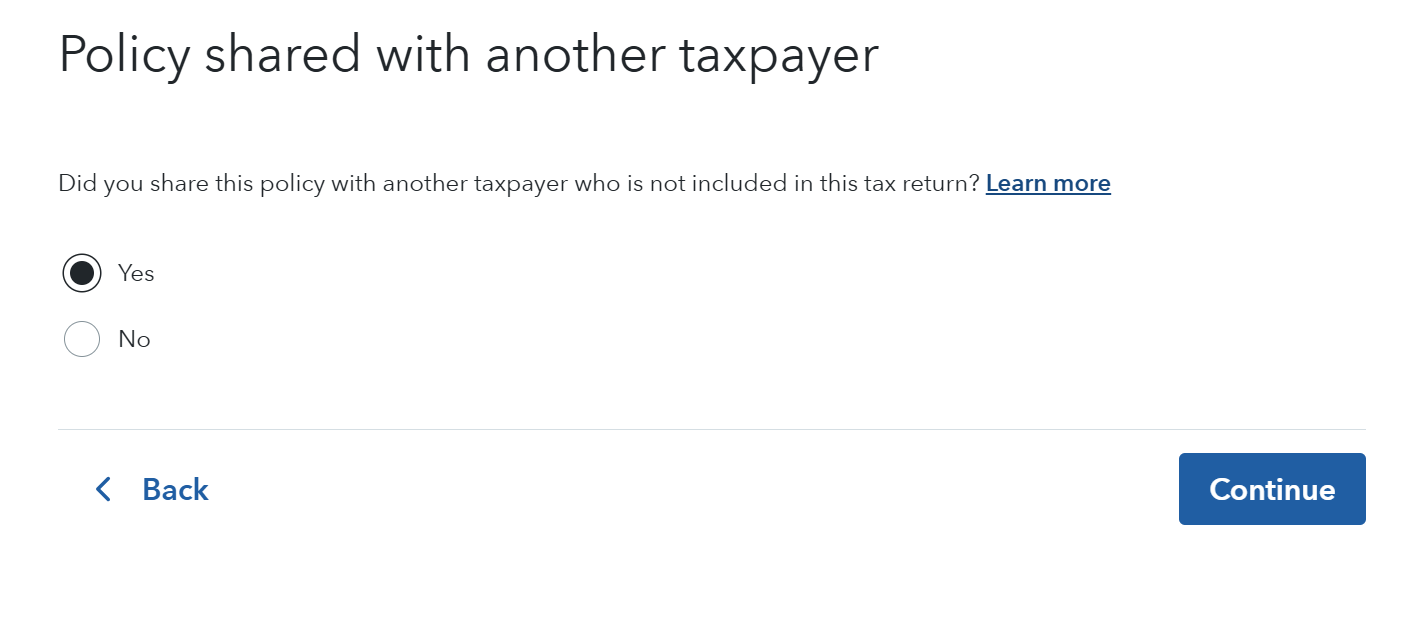
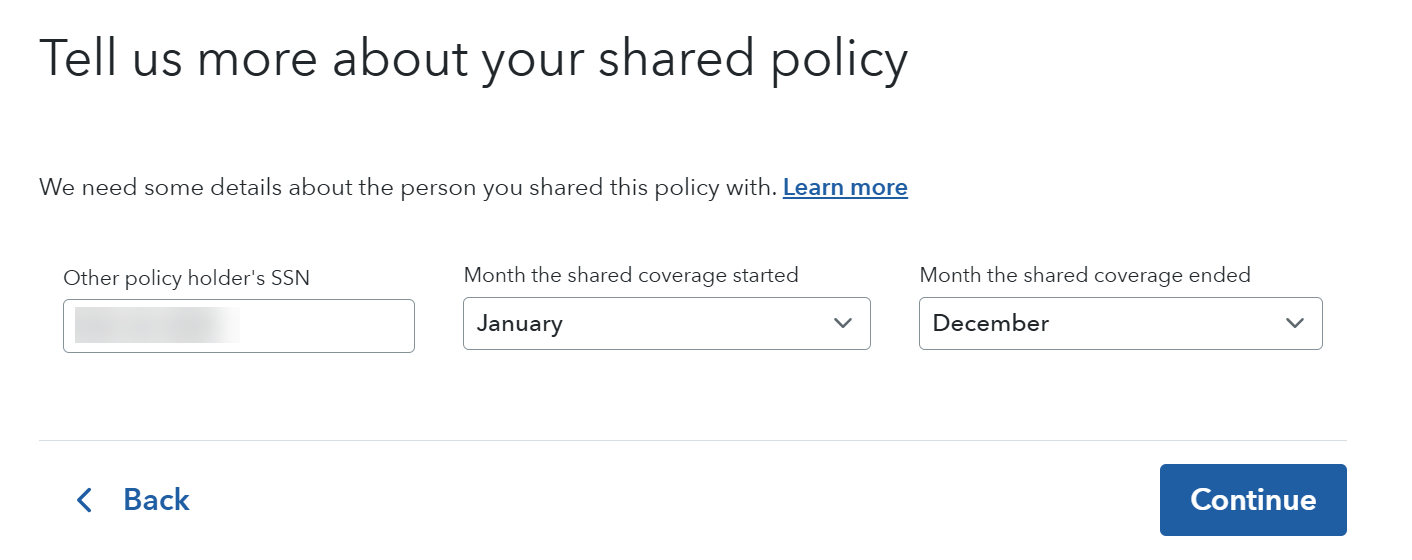
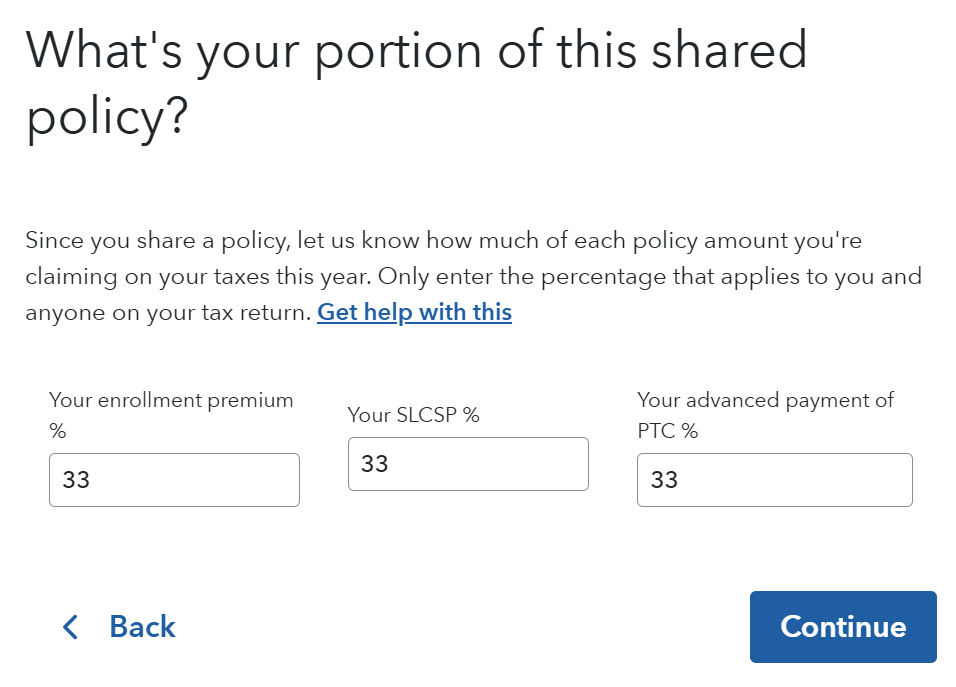
After you enter your form, there is a question in TurboTax that asks if you shared the policy with someone else. Answer yes, and then enter the information for one of your daughters. Then you will need to allocate the amounts between all three of you.
Where do I enter my 1095-A?
February 25, 2026
8:42 AM
