Sep 4, 2018 8:56:46 AM
When you log into your TurboTax Online account, you should see the option to access past years return. Keep in mind that it's very common for TurboTax users to have multiple accounts, so make sure you're in the same account you used to file your previous years. Refer to this article for navigation assistance: https://ttlc.intuit.com/questions/1900748-
rfrisch18
New Member
Sep 4, 2018 11:41:57 AM
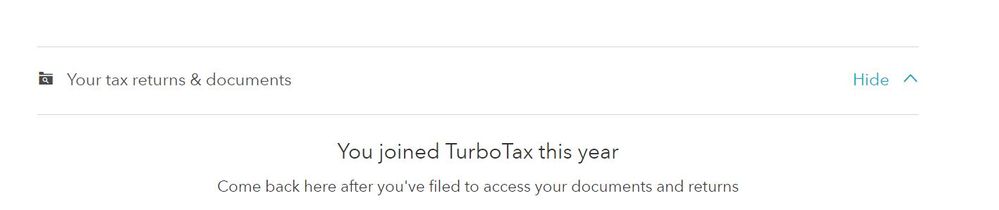
it says "come back here after you have filed your documents and returns. My return was accepted. So I don't know what the problem is.
Sep 4, 2018 12:06:46 PM
Try clearing cache and cookies, signing out and signing back in again.
rfrisch18
New Member
Sep 4, 2018 12:26:00 PM
how do I clear cache and cookies? I signed out and signed in but nothing changed.
Sep 4, 2018 4:20:53 PM
- On your computer, open Chrome.
- At the top right, click More .
- Click More tools Clear browsing data.
- At the top, choose a time range. To delete everything, select All time.
- Next to "Cookies and other site data" and "Cached images and files," check the boxes.
- Click Clear data.