

- Mark as New
- Bookmark
- Subscribe
- Subscribe to RSS Feed
- Permalink
- Report Inappropriate Content
Business & farm
To enter your self-employment income, open or continue your return in TurboTax, then:
- Search for Schedule C and select the Jump to Schedule C link at the top of the search results
- Answer Yes on the Did you have any self-employment income or expenses? screen. If you land on the Your 2022 self-employed work summary page, select Review next to the work you're adding income for
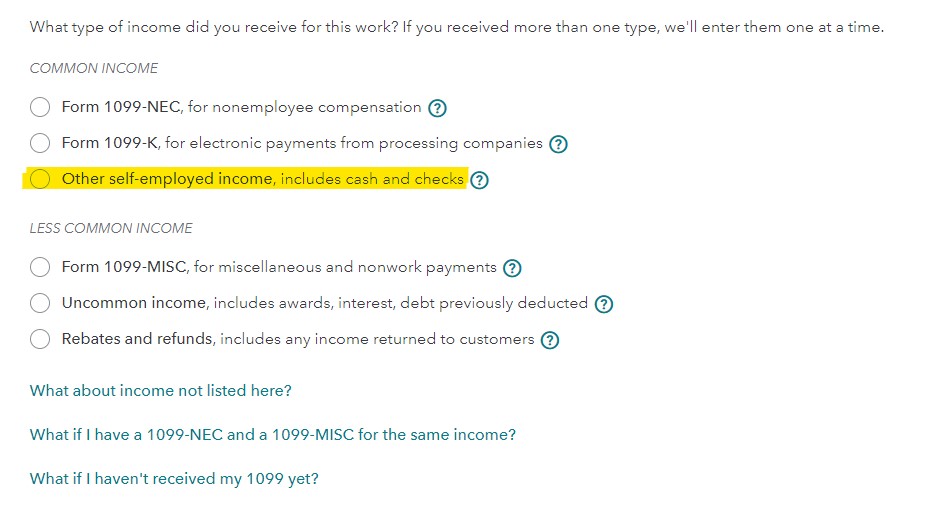
- Answer the questions on the following screens until you arrive at Let's enter the income for your work
- Select Other self-employed income and select Continue
- On the next page, you can enter any income not reported on a tax form, see below
You will need to upgrade if you are going to enter expenses related to this income.
**Say "Thanks" by clicking the thumb icon in a post
**Mark the post that answers your question by clicking on "Mark as Best Answer"
**Mark the post that answers your question by clicking on "Mark as Best Answer"
February 10, 2023
2:43 PM
