

- Mark as New
- Bookmark
- Subscribe
- Subscribe to RSS Feed
- Permalink
- Report Inappropriate Content
Business & farm
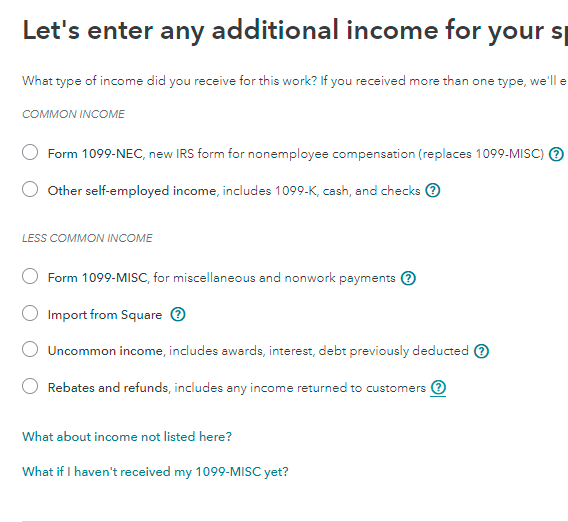
You can try to delete a form and then re-enter your 1099-NEC through the Schedule C screen. Make sure that you see the screen that asks who the 1099 belongs to. If you are not offered the selection make sure both you and your wife are listed in Personal Info.
Here's the general procedure for viewing the forms list and deleting unwanted forms, schedules, and worksheets in TurboTax Online:
- Open or continue your return in TurboTax.
- In the left menu, select Tax Tools and then Tools.
- In the pop-up window Tool Center, choose Delete a form.
- Select Delete next to the form/schedule/worksheet in the list and follow the instructions.
March 20, 2021
8:47 AM
