

- Mark as New
- Bookmark
- Subscribe
- Subscribe to RSS Feed
- Permalink
- Report Inappropriate Content
Business & farm
The specific steps and pages may be different if you are using TurboTax Online or TurboTax for Desktop. You may need to be flexible in interpreting the instructions for the version you are using. This is especially true if you are using the TurboTax app.
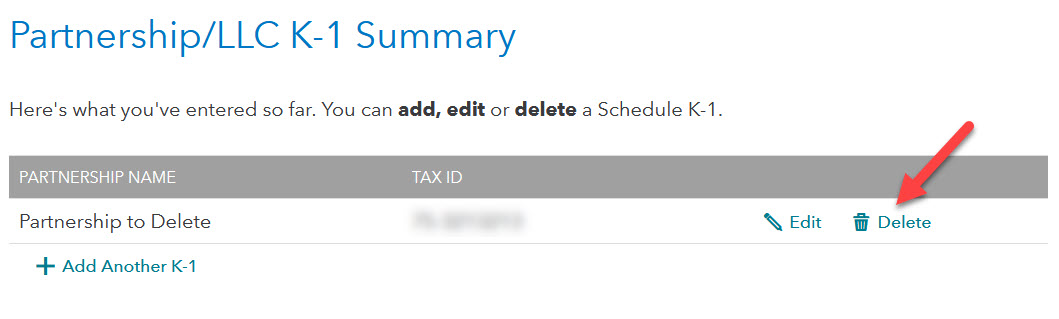
Once you see a list of the Schedules K-1 that you entered previously (a list with "summary" in the title), there should be a choice or icon to the right that serves to delete the K-1. This may be a trashcan icon or the word "delete."
**Say "Thanks" by clicking the thumb icon in a post
**Mark the post that answers your question by clicking on "Mark as Best Answer"
**Mark the post that answers your question by clicking on "Mark as Best Answer"
April 9, 2023
7:10 AM
