

- Mark as New
- Bookmark
- Subscribe
- Subscribe to RSS Feed
- Permalink
- Report Inappropriate Content
Deductions & credits
Depending upon your situation, try one of the following options as they apply to you.
Go back to the input section.
On the black panel on the left, select "My Info".
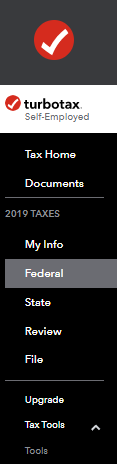
- Select "Edit" to the right of the person you marked "yes" for dependent on.
- Scroll down the page and you can correct your entry.
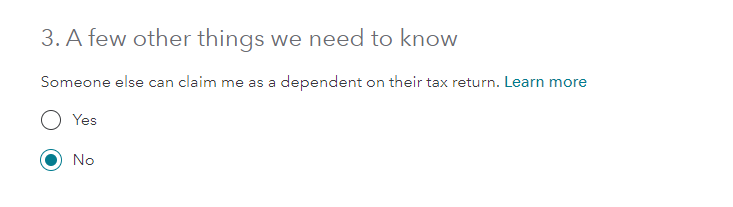
If you have selected that you have a dependent, you can go back to the My Info section, and delete the dependent as shown in the attached:

**Say "Thanks" by clicking the thumb icon in a post
**Mark the post that answers your question by clicking on "Mark as Best Answer"
**Mark the post that answers your question by clicking on "Mark as Best Answer"
February 9, 2020
5:26 PM
