

- Mark as New
- Bookmark
- Subscribe
- Subscribe to RSS Feed
- Permalink
- Report Inappropriate Content
Deductions & credits
Go back to the Federal section of the program.
To enter your 1098-T information:
- Go to the Federal section of the program
- Select "Deductions & Credits"
- Select "Expenses and Scholarships (Form 1098-T)" and click start
- Select Edit to the right of the student's name input your information for the 1098-T. Or Add A Student if no student is listed.
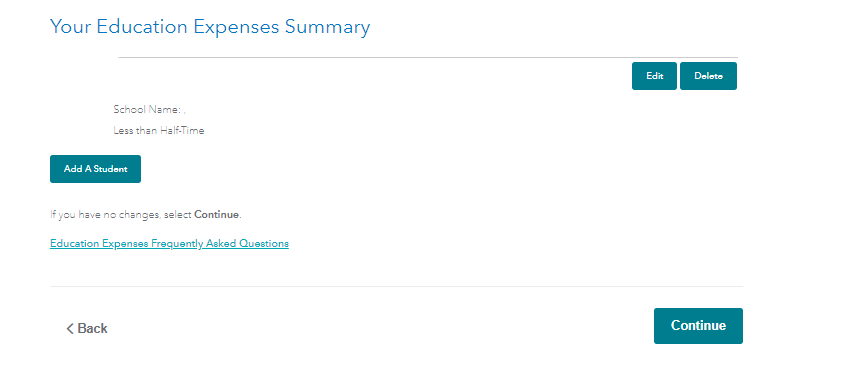
Continue through the screens and answer the questions as applicable. TurboTax will determine which credit you qualify for based upon your answers.
**Say "Thanks" by clicking the thumb icon in a post
**Mark the post that answers your question by clicking on "Mark as Best Answer"
**Mark the post that answers your question by clicking on "Mark as Best Answer"
February 8, 2020
5:10 PM
