

- Mark as New
- Bookmark
- Subscribe
- Subscribe to RSS Feed
- Permalink
- Report Inappropriate Content
Deductions & credits
Go back to the input section.
On the black panel on the left, select "My Info"
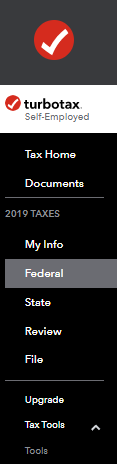
Scroll down below your name. Look to see if you have any more names below yours with the status showing as "Dependent".
If you notice that you have a name with a dependent under it, you can go back to the My Info section, and delete the dependent as shown in the attached:

This should delete the message about having a dependent.
**Say "Thanks" by clicking the thumb icon in a post
**Mark the post that answers your question by clicking on "Mark as Best Answer"
**Mark the post that answers your question by clicking on "Mark as Best Answer"
February 8, 2020
1:20 PM
