

- Mark as New
- Bookmark
- Subscribe
- Subscribe to RSS Feed
- Permalink
- Report Inappropriate Content
State tax filing
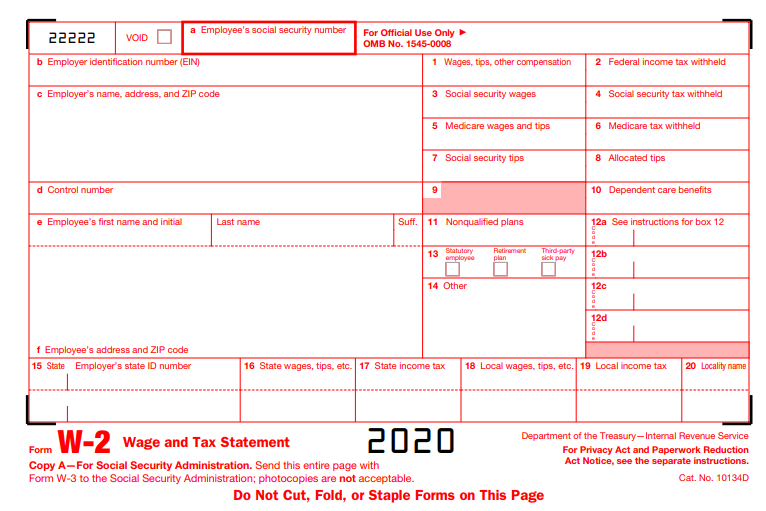
In addition to what xmasbaby0 posted above, you may need to go back into the federal interview section to ensure you did not enter anything in the wages section. If you did, and you did not receive a W-2 form, you can delete it as follows:
- Go to the Federal section of the program.
- Select Income & Expenses
- Select Job (W-2)
- Select the little trash can icon to the right of the applicable W-2 entry
If however, you did receive a W-2 form, you will be able to enter your state information in boxes 15-17 of your input in the W-2 section.
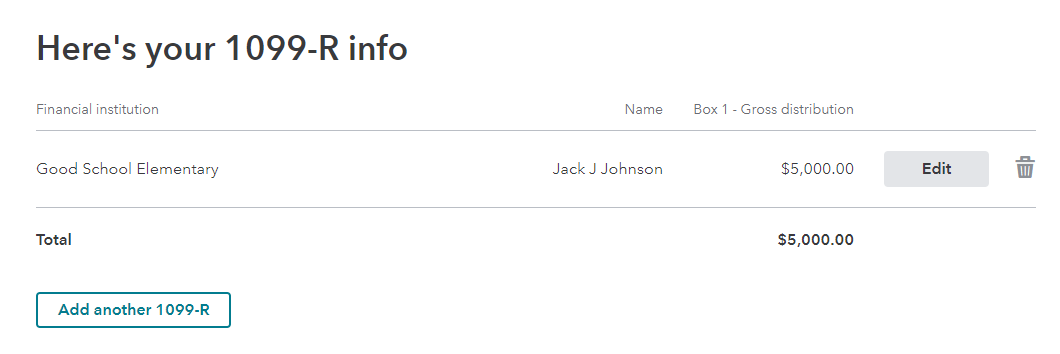
All of your retirement income would have been reported on a 1099-R form. This information should be entered into the program as follows in the Federal interview section of the program.
- Select Income & Expenses
- Scroll down to All Income
- Select show more to the right of Retirement Plans & Social Security
- Select start/revisit to the right of IRA, 401(k), Pension Plan Withdrawals (1099-R)
- To enter additional 1099-R forms, simply select +Add Another 1099-R
**Say "Thanks" by clicking the thumb icon in a post
**Mark the post that answers your question by clicking on "Mark as Best Answer"
**Mark the post that answers your question by clicking on "Mark as Best Answer"
March 20, 2021
9:36 AM
