

- Mark as New
- Bookmark
- Subscribe
- Subscribe to RSS Feed
- Permalink
- Report Inappropriate Content
After you file
Follow the steps below to edit your information for the stimulus payments
- Sign into your account and continue from where you left off
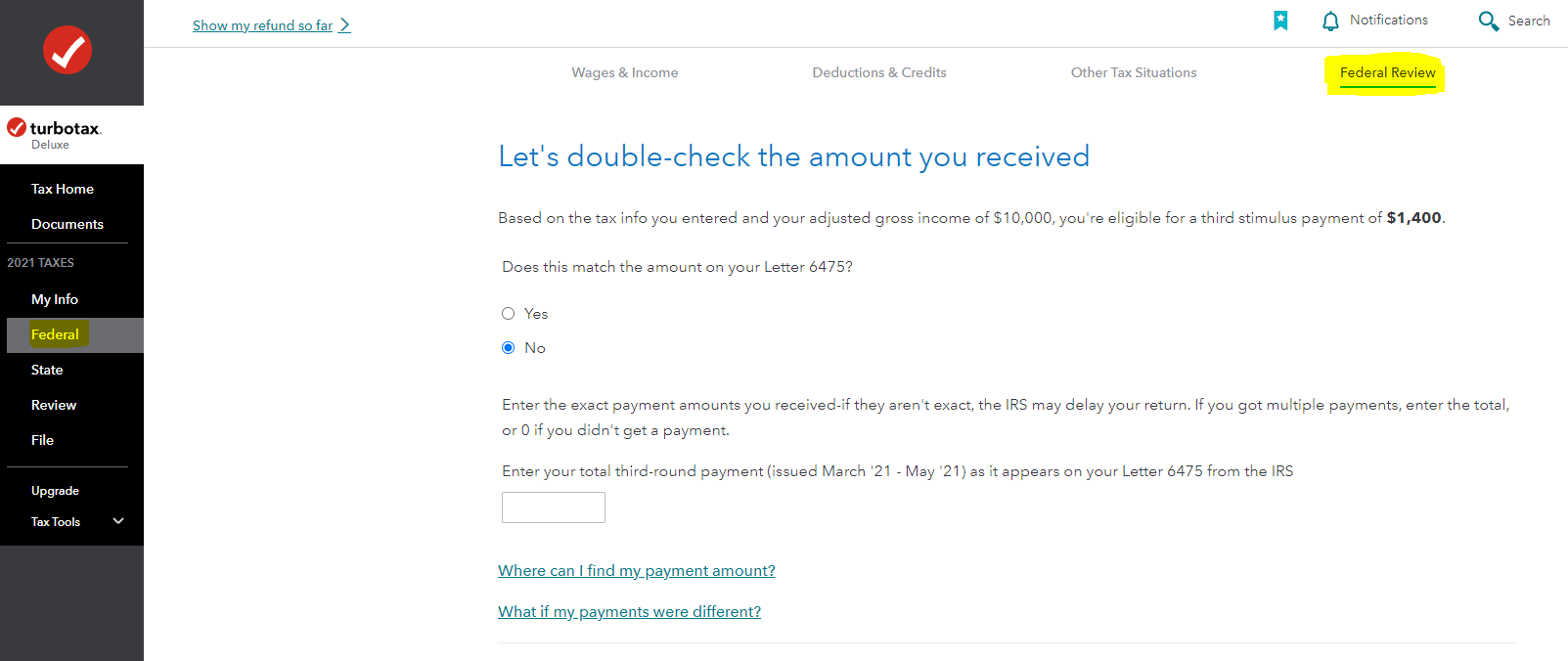
- Click on Federal in the left-hand column, then on Federal Review on the top of the screen
- On the next page titled Let's double-check the amount you received; TurboTax will recommend the amount you should receive as per your filing info. If that matches the amount you received you will select Yes, or else No.
Please refer to the image below:
March 10, 2022
2:52 PM
