

- Mark as New
- Bookmark
- Subscribe
- Subscribe to RSS Feed
- Permalink
- Report Inappropriate Content
Get your taxes done using TurboTax
Schedule E Line 4 is for Royalty Income.
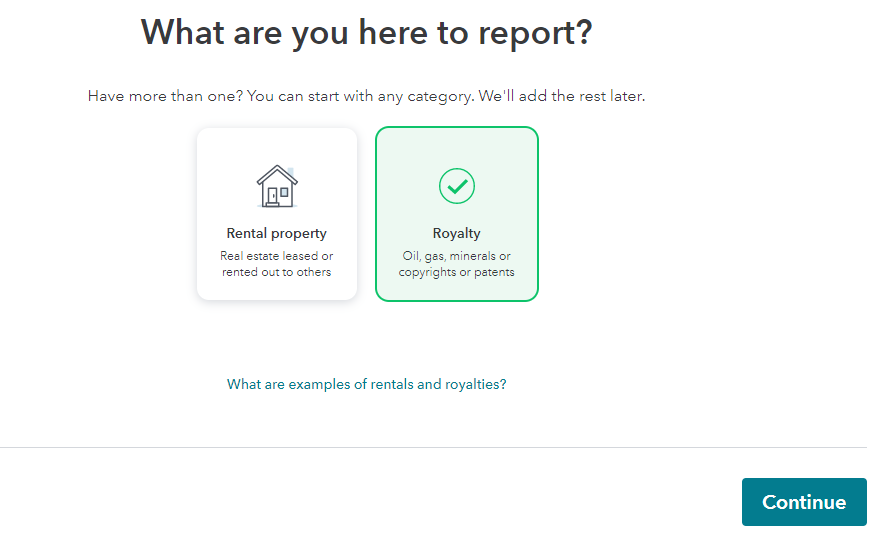
To fix this on your return, go back to the original entry by entering royalty in the search box and selecting the Jump to link in the search results.
At Your 2020 rentals and royalties summary, select Edit but if you are unsure if Royalty was selected, delete this entry and re-enter it in the correct category. See the screenshot below.
March 14, 2021
4:03 PM
