

- Mark as New
- Bookmark
- Subscribe
- Subscribe to RSS Feed
- Permalink
- Report Inappropriate Content
Get your taxes done using TurboTax
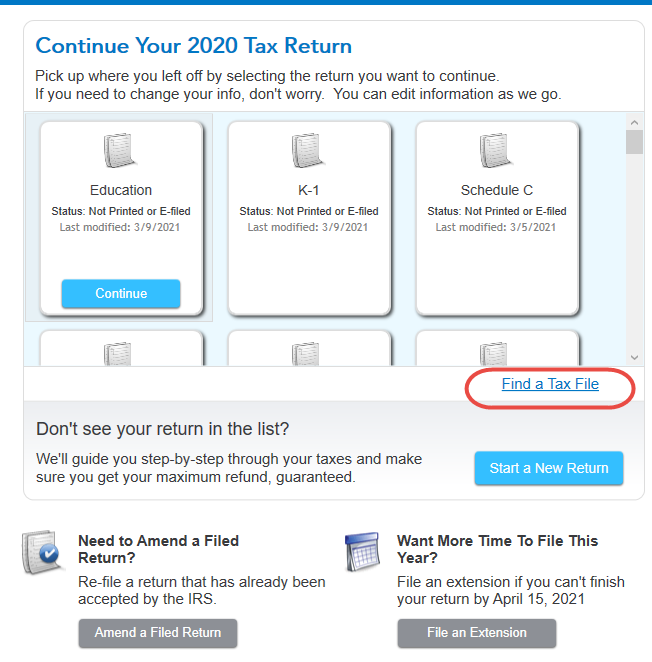
Most likely, your tax return file hasn't been erased. It just may not show on the Home screen when you open the program. To open your return, click the Find a Tax File link. [See Screenshot #1. below.] Double-click on the file name to open it.
By default, TurboTax files are located on your C: drive [unless you have changed your settings] at this address: C:\Users\[your name]\Documents\TurboTax
If your file is not in the Documents folder you can search for it on your hard drive. The files have an extension ".tax[YEAR]," for example, .tax2017, .tax2016, etc. You can search your hard drive for TurboTax files by putting an asterisk in front of the extension: *.tax2020. This should find all your 2020 TurboTax files.
March 9, 2021
7:34 AM
