

- Mark as New
- Bookmark
- Subscribe
- Subscribe to RSS Feed
- Permalink
- Report Inappropriate Content
Get your taxes done using TurboTax
Go back into the federal section of the program.
- Select Income & expenses
- Select Job (W-2)
- Review the list of your W-2s here. If you see the 1098-T information listed here, delete that item by clicking on the trash can to the right of the applicable line.
This should ensure only your W-2 is being reported as income.
Next, proceed to the Deductions & Credits section.
Select Expenses and Scholarships (Form 1098-T).
I recommend deleting existing input which you will see under Your Education Expense Summary.
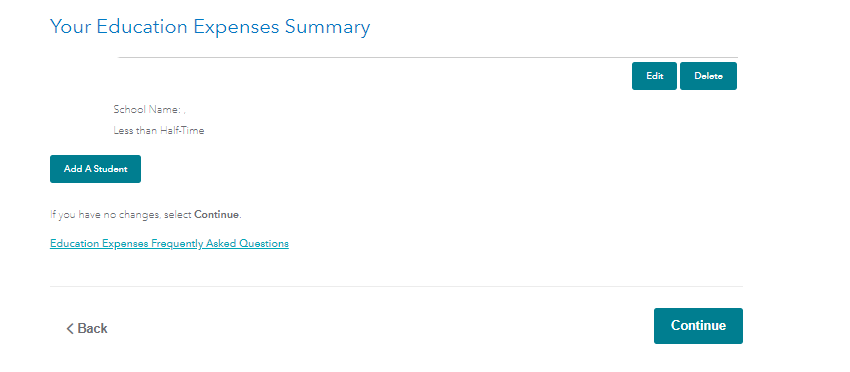
After you delete the existing input, go ahead and select "Add a student" and start the input again.
Please comment if you still have issues after doing this.
**Say "Thanks" by clicking the thumb icon in a post
**Mark the post that answers your question by clicking on "Mark as Best Answer"
**Mark the post that answers your question by clicking on "Mark as Best Answer"
February 15, 2020
4:58 PM
