

- Mark as New
- Bookmark
- Subscribe
- Subscribe to RSS Feed
- Permalink
- Report Inappropriate Content
Get your taxes done using TurboTax
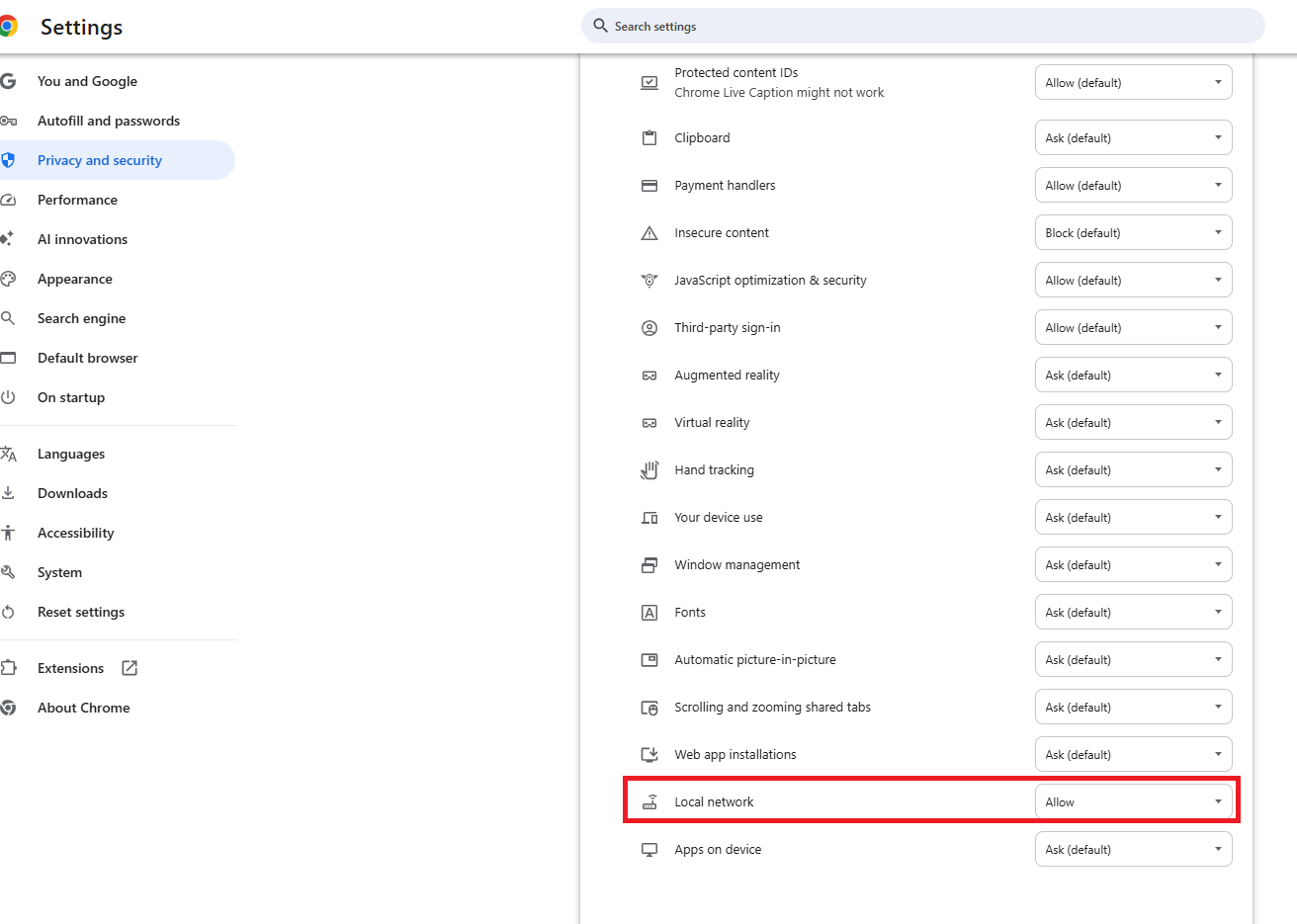
If TurboTax crashes during the import summary view it could be caused by excessive brokerage transactions, broken browser connections, or Local Network Access blocks. When your browser window opens for you to Sign In to your broker, click the icon in front of the URL to choose 'Allow' for LAN in the Settings. Be sure your broker account allows "third party access."
If you believe the crashing from 'View Import Summary' could be due to excessive transactions, here's How to Enter a Summary in Lieu of Individual Transactions.

**Say "Thanks" by clicking the thumb icon in a post
**Mark the post that answers your question by clicking on "Mark as Best Answer"
**Mark the post that answers your question by clicking on "Mark as Best Answer"
4 weeks ago
