

- Mark as New
- Bookmark
- Subscribe
- Subscribe to RSS Feed
- Permalink
- Report Inappropriate Content
Get your taxes done using TurboTax
If you're using TurboTax Online, after importing, close the program, clear your Cache and Cookies, and open TurboTax in another section.
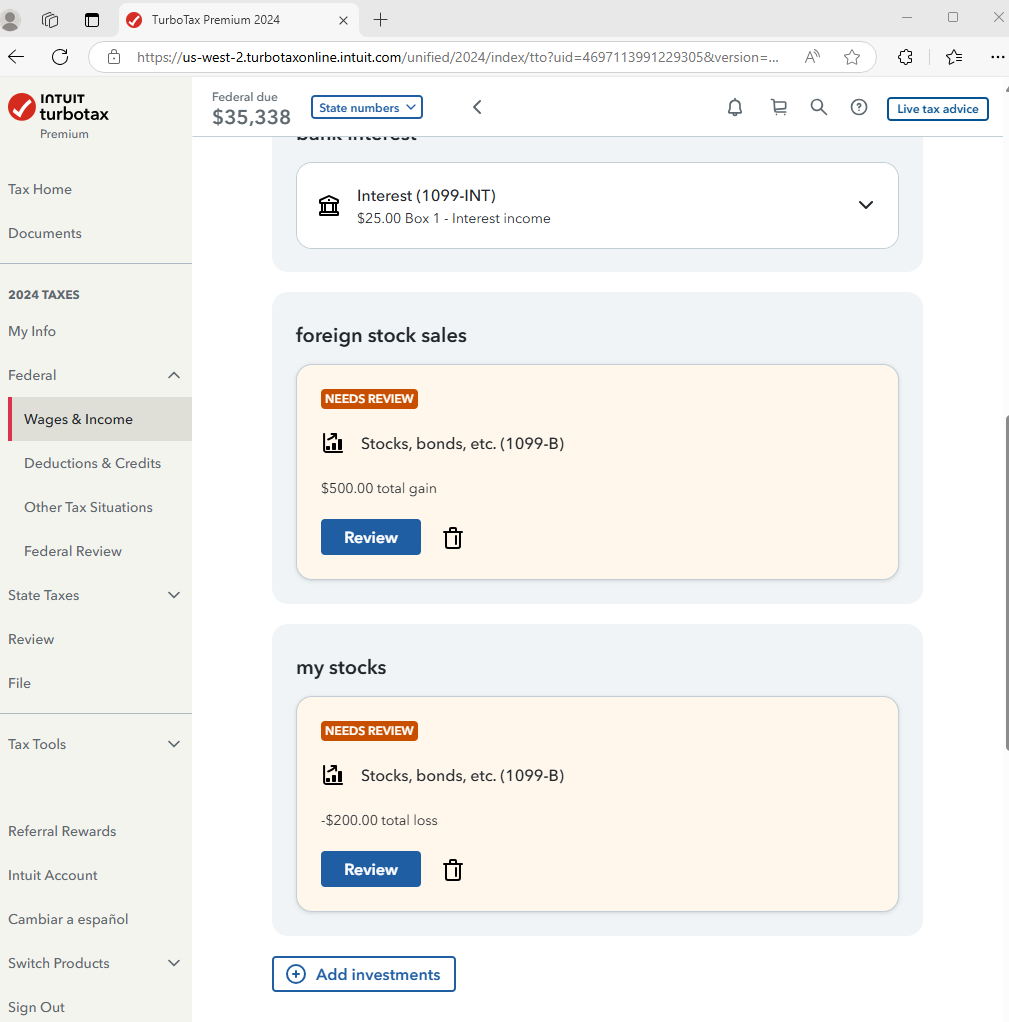
In the Investments section, choose Add/Edit, click the down arrow for the category (Interest, Dividends, Stocks) and you should see your imported data.
In TurboTax Desktop, switch to FORMS mode to review your 1099-INT/DIV, 1099-B forms.
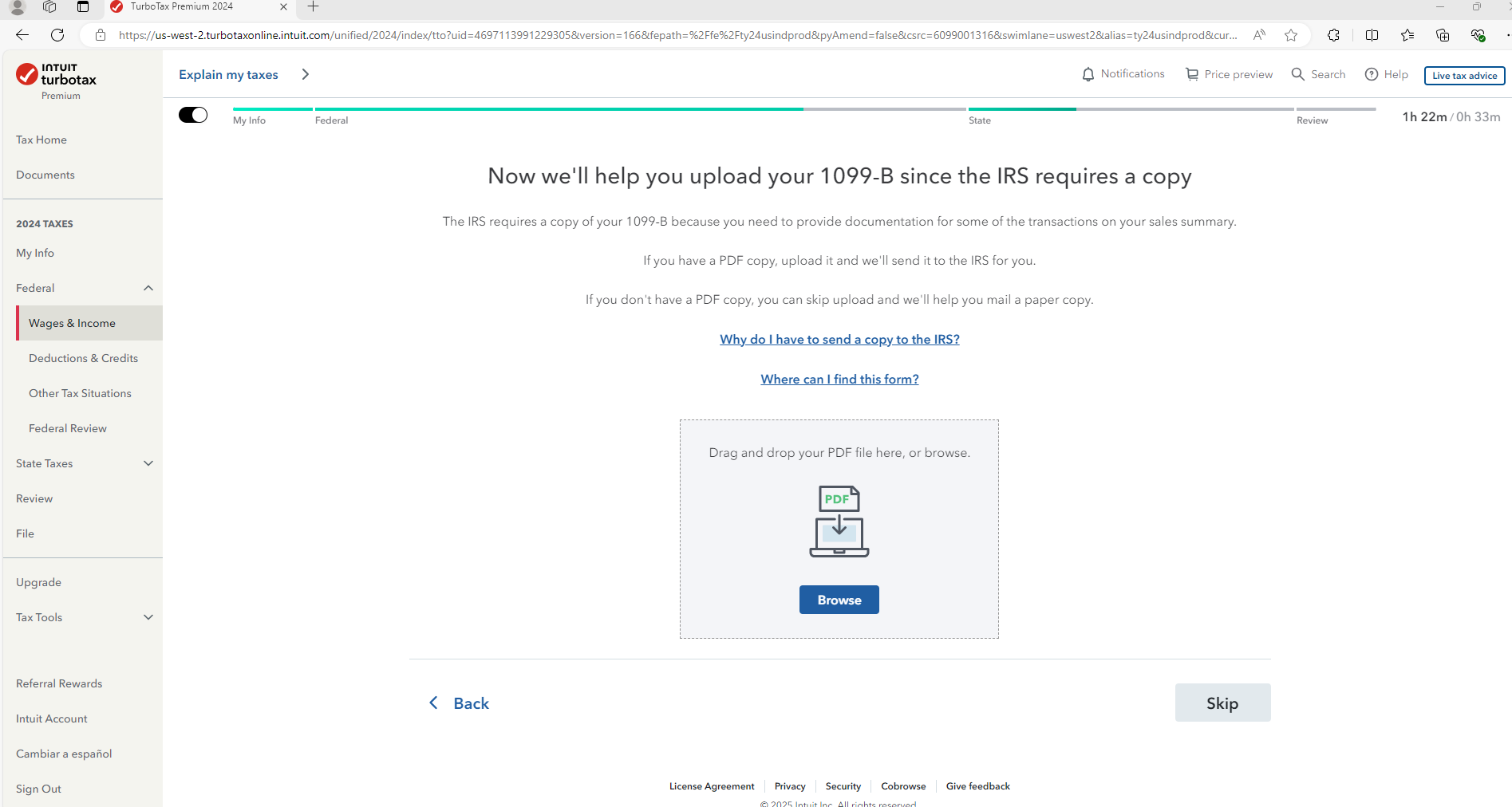
If your import is a mix of interest, dividends, stocks, you can download a PDF of your transactions and make a one-line entry for the total interest and dividends manually. The PDF of your of 1099-B can be attached to your return in TurboTax Online.
Here's how to Contact TurboTax Support for more help.
**Say "Thanks" by clicking the thumb icon in a post
**Mark the post that answers your question by clicking on "Mark as Best Answer"
**Mark the post that answers your question by clicking on "Mark as Best Answer"
February 15, 2025
8:40 AM
